Users are unlocking paid features without paying. The fix isn’t in the app.
When users can get paid features for free, the cause is almost always the same: the app is allowed to write down what the user paid for. Here is why that happens, how I closed it in Belka with server-verified grants, and how to test it.
 Reda Bellassery·
·7 min read
Key takeaways
- If users can unlock paid features without paying, the app is almost always allowed to write the record that says what they paid for.
- Hiding buttons, checking in JavaScript or obfuscating the app doesn’t fix it. Anything the app can do, a user can do by hand with the same key.
- In Belka I removed the app’s write permission on the access table entirely. Grants come only from a verified payment webhook or one database function.
- Promo codes are redeemed by a SECURITY DEFINER function that validates, uses up and grants in one transaction, so two taps can’t claim the same code twice.
- The price of the fix is that unlocks are no longer instant: the app has to wait for the server’s grant, so the payment return flow needs real design.
You sell a premium plan, paid levels or extra features. Revenue looks fine. Then you count the accounts with premium access and compare them with the payments, and the two numbers don’t match.
Or nobody counts, and you hear about it from a support message. Or from a developer friend who opens your app, looks at the network tab for two minutes, and asks if you knew.
It feels like a hack. It almost never is. In most cases the app is simply allowed to write down what the user paid for, and someone noticed.
This post is for owners of apps with paid features, especially on Supabase. The first half is for you. The second half is for your developer.
Why can users unlock paid features without paying?
Because the app, not the server, decides who has paid. When the app is allowed to write the record that grants access, anyone can write that record, with or without a payment.
An entitlement is the record that says what a user is allowed to use: a row saying “this user owns level 2”, or a field saying “plan: pro”. Whoever can write that record decides who gets paid features.
Here’s the part owners often miss. Your app isn’t a locked box. On a platform like Supabase the app talks to the database with a key that is public by design. Anything the app can ask the database to do, a curious user can ask too, by hand, with the same key.
So if the app can write “this user paid”, the user can write it. The pricing page, the padlock icons and the checkout are just decoration in front of an open door.
The owner’s version: customers writing their own receipts
Imagine a shop where the customer walks to the till, prints their own receipt, and shows it at the exit. Most customers would still pay. But the shop isn’t really checking anything.
That’s a client-written entitlement. The fix isn’t a better receipt printer. It’s taking the printer away from the customer, so only the till can print a receipt, and only after the card is approved.
In software terms: only the server should write entitlements, and only after the payment provider confirms the money arrived.
How it happened in Belka
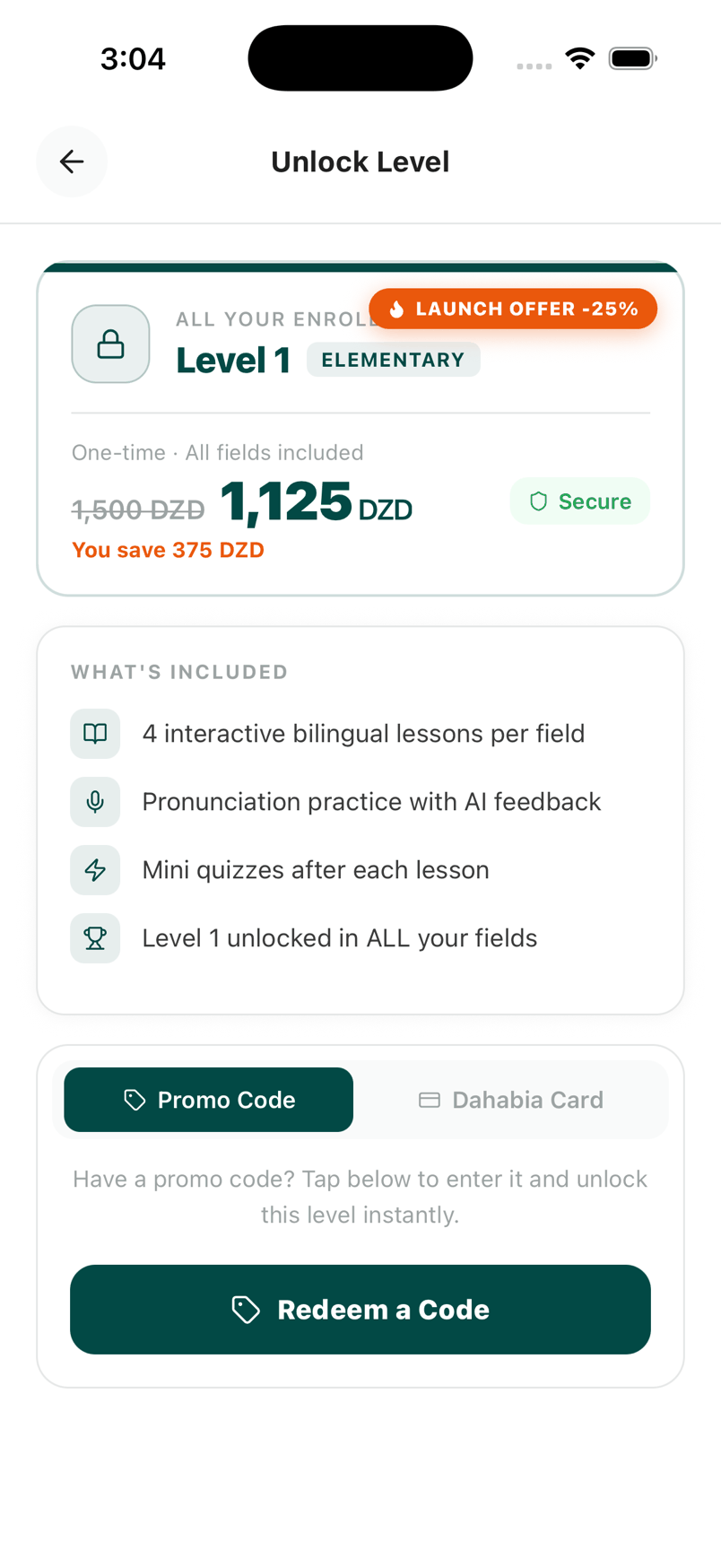
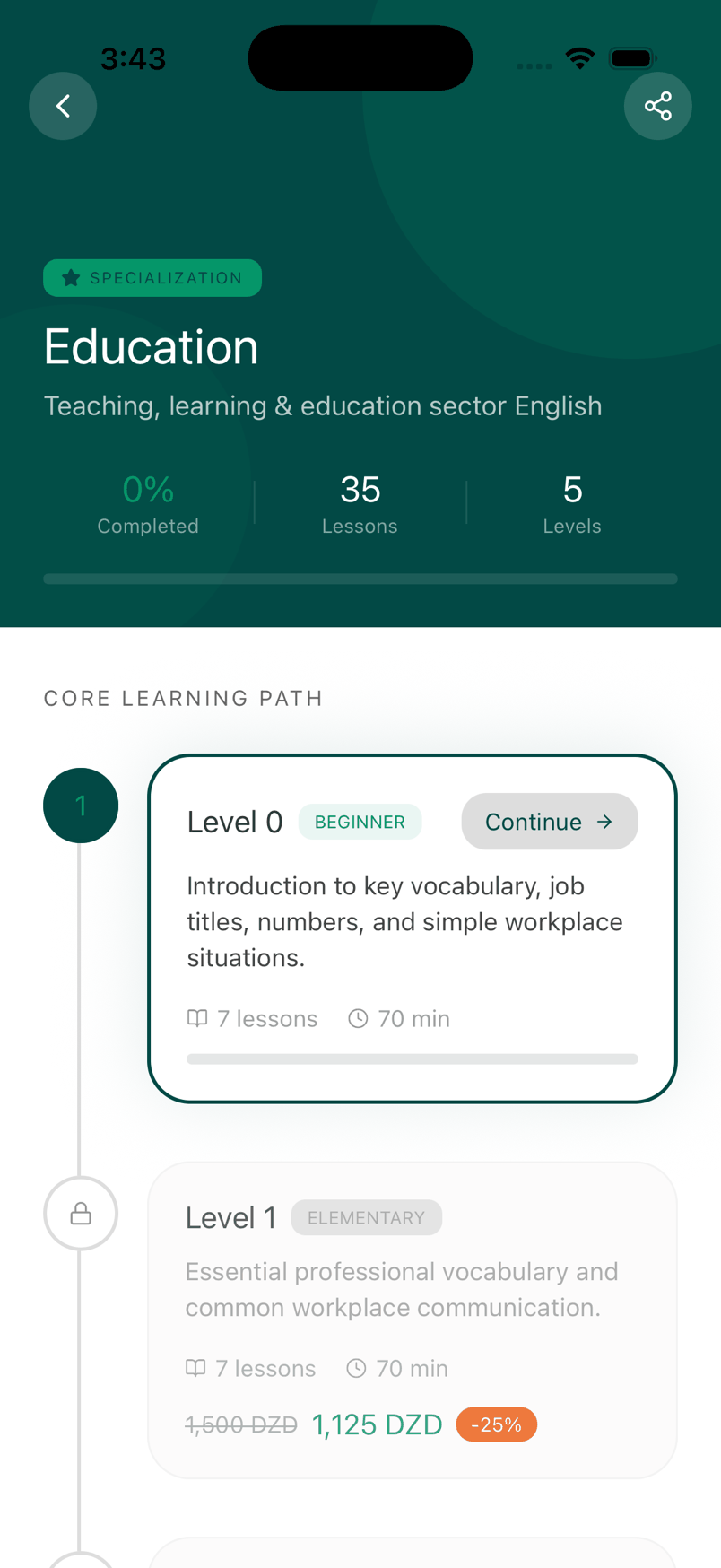
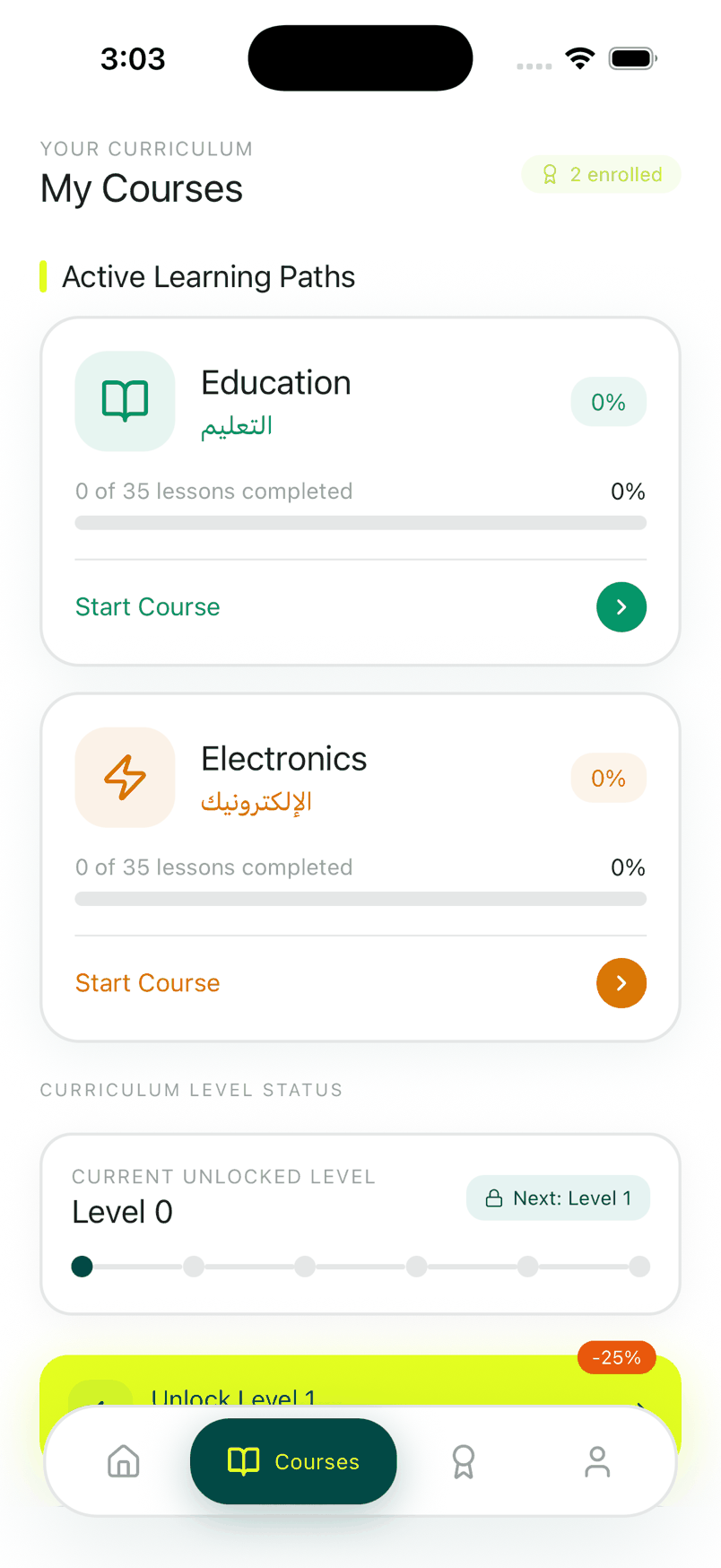
I’ll use my own mistake. Belka Tech English is an app I built solo that teaches job-specific English to Algerian workers in 14 vocational fields. Level 0 is free. Levels 1 to 5 cost 1,500 to 3,500 dinars each, or 10,000 dinars for everything, paid through Chargily Pay.
In the first version, the app wrote the level unlocks itself. The access table, user_level_access, had a policy letting the app insert rows. So any signed-up user could insert rows and grant themselves every paid level.
There was a second hole. A promo code stored with no level attached, a NULL level, could unlock anything.
Nothing about this shows on the screen. The paywall looks exactly the same whether the door behind it is locked or not, which is why this problem is so common.
Why better app code doesn’t fix it
The first instinct is to add checks in the app: verify the payment before inserting the row, hide the unlock button, obfuscate the code. None of that works, because the attacker isn’t using your app. They’re talking to your database with your public key.
The root cause is a permission, not a bug in the logic. As long as the app’s role may insert into the entitlements table, the hole is open, however careful the app code is.
The fix was not better client code. It was deleting the client’s write path entirely.
How I fixed it: three changes in the database
From here on it gets technical. Each change closes one path, and together they make the server the only source of truth.
I removed the client INSERT policy on user_level_access. With row-level security, the database checking who may touch each row, the app can now read its own grants (auth.uid() = user_id) and nothing else.
Chargily posts a checkout.paid event to a Supabase Edge Function, chargily-webhook. The function verifies the HMAC signature first, so a forged request is ignored, and only then writes the grant.
claim_promo_code() is a SECURITY DEFINER function. It validates the code, uses up one redemption and grants access in a single transaction. Codes without an explicit level are rejected outright.
A SECURITY DEFINER function is a Postgres function that runs with the permissions of its owner, not of the user calling it. That sounds dangerous, and it would be if it were general. The trick is that it does one narrow, checked thing. The user can call it, but can’t do any of its steps directly.
Doing all three steps in one transaction matters. If validating, using up and granting were separate calls, two quick taps could both pass validation before either one used the code. In one transaction, the second tap sees the code already used.
The design also stayed simple on purpose. There is no admin role and no role column. The only authorization question Belka asks is which levels this user owns.
What did the fix cost?
Unlocks stopped being instant. Before, the app wrote the row and showed the level. Now it has to wait for a webhook that travels from Chargily to Supabase on a channel the phone isn’t part of.
And the learner pays in an external browser. The app can come back before, during or after the webhook lands. On Android it may even be cold-launched by the return link. So the payment flow became this:
- Tap.The learner picks a level. The app asks an Edge Function to create a Chargily checkout.
- Pay.Checkout opens in the system browser. Dahabia card or bank card, in dinars.
- Webhook.Chargily posts an HMAC-signed
checkout.paidevent to Supabase, which writes the grant. - Return.A deep link, a cold launch or the app resuming, whichever comes first, triggers one idempotent verification.
- Confirm.The app polls its own access row every 1.5 seconds for up to 20 seconds, then unlocks.
I chose polling over Supabase Realtime for simplicity. It wastes some requests, and after 20 seconds the learner taps Verify again. The poll loop also has no abort signal yet, so it can outlive the screen. Those are honest costs. If your customers pay and then see nothing, that’s this part done badly, and I wrote about it in payment received, access missing.
How do you test that the hole is closed?
You try to break it, the way a user would. Here are the tests I’d run on any app with paid features. Each one should fail for the user and leave no access behind.
| Try this as a normal user | Expected result |
|---|---|
| Insert a row into the access table with the public key | Refused by row-level security |
| Update your own profile’s plan or role field | Refused, or the field isn’t writable |
| Send a fake “paid” webhook with a wrong signature | Rejected, no grant written |
| Open the payment success URL without paying | Nothing unlocks |
| Redeem the same single-use code twice, at the same time | One succeeds, one fails |
| Redeem a code with no level attached | Rejected |
I’ll be straight about Belka here. Its automated test suite is a single smoke test, so the money path is effectively untested by code, and the case study lists that as the first debt I’d pay. The table above is what I’d automate first.
Testing permissions matters in both directions. On Biggo, a marketplace I built for a client of my agency, I tightened a function permission for hygiene and the public site showed zero cars. I diagnosed it by simulating the anonymous role in SQL and fixed it with a targeted migration. Security changes need the same testing as features.
Is your app exposed? Ask one question
You don’t need to read code. Ask your developer: who writes the row that says a user has paid?
- “The app, after checkout succeeds.” You probably have this problem.
- “A webhook from the payment provider, checked on the server.” Good. Then ask who else can write to that table.
- “An admin, by hand.” Fine for a small product, as long as users can’t write it themselves.
The same pattern shows up beyond payments. Plan limits, user roles and AI credits all fail the same way when the app decides. I cover limits and roles in plans, roles and limits in a marketplace, and the wider checklist in what breaks when an AI-built app goes to production.
Want me to close it in your app?
Payments, entitlements and databases that have to be right are the work I take on. The full Belka story, with the payment flow and the entitlement rules, is in the case study. Shorter versions of this and related problems are on my engineering notes page.
It starts with a short call. Then you get a written plan with scope, timeline and price before any work starts. See the services page for how a project runs, or write to me with a short description of your app and how people pay.
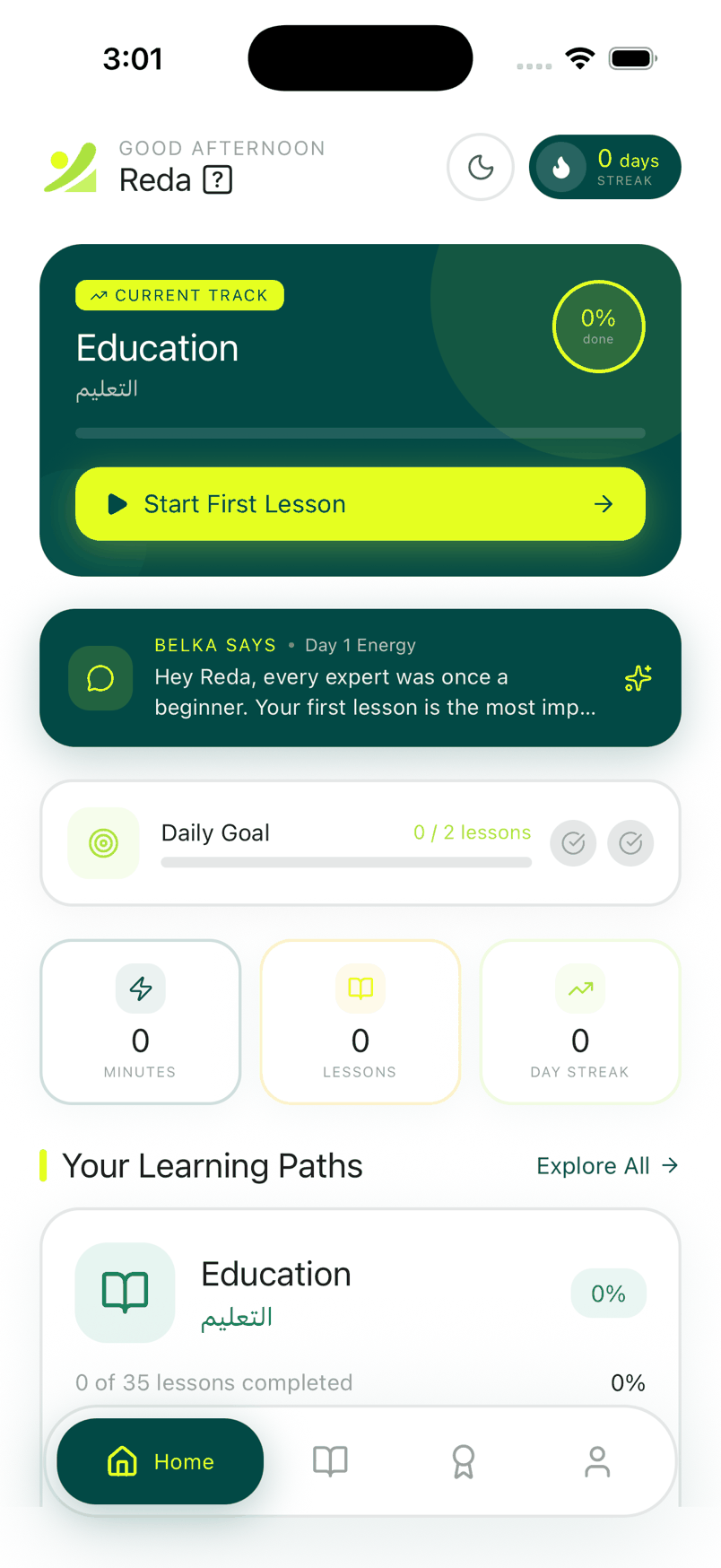
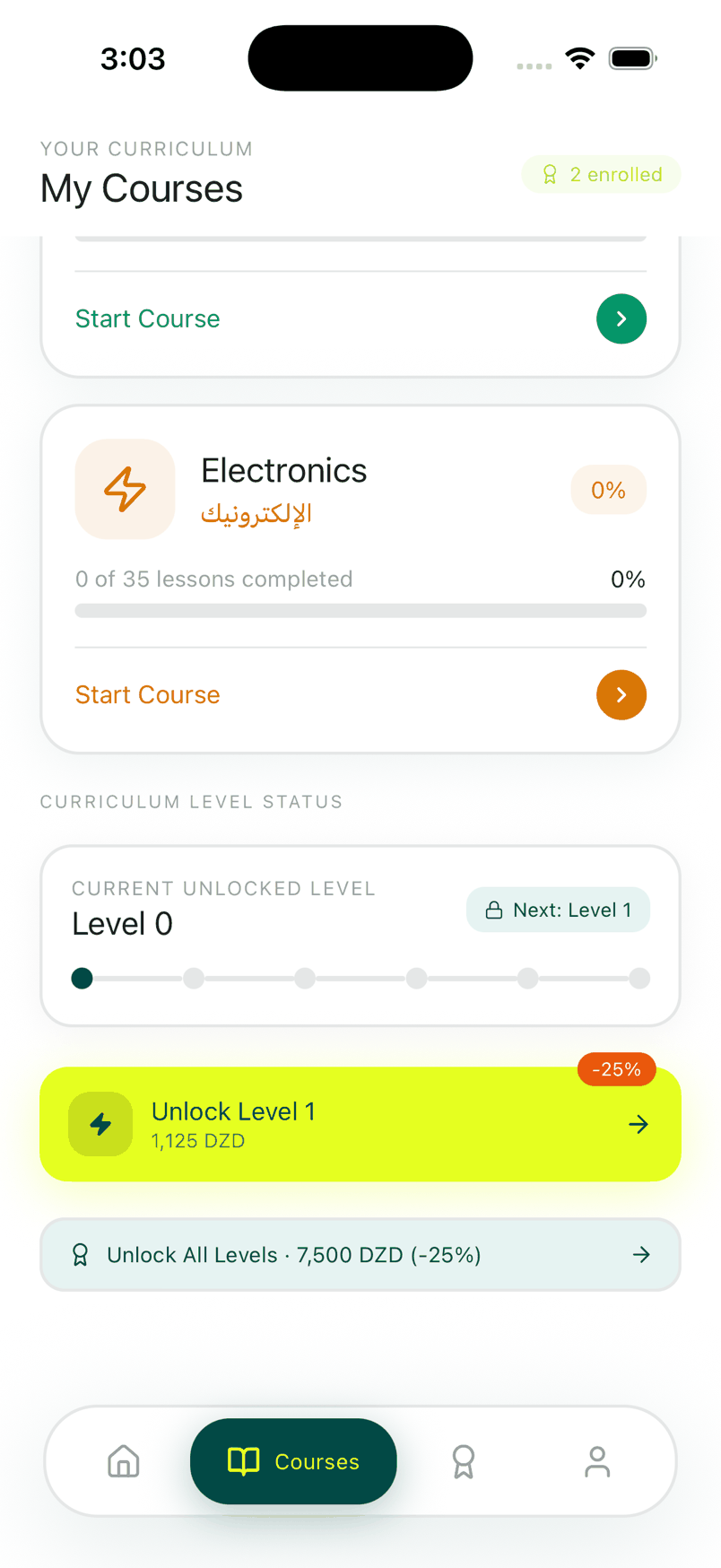
About the screenshots: every image in this post comes from Belka Tech English, captured from the shipped build running on an iPhone simulator. The −25% shown is the launch discount, applied on the server.
Questions people ask
Why can users unlock paid features without paying?
Can I fix it by hiding the premium buttons?
What is a SECURITY DEFINER function in Supabase?
Why does access take a few seconds to appear after paying?
Can you check whether my app has this problem?
I build AI agents, web apps and mobile apps for businesses, and I run my own agency, Barmjli. I write here about what I build and what it taught me.