Your marketplace’s plans and permissions are held together by the UI. Here’s how I move them into the database.
Plan limits that only the form checks, perks someone switches on by hand, staff accounts that can see everything. Why it happens, and how I built Biggo so packages, feature flags and admin permissions are enforced by Postgres itself.
 Reda Bellassery·
·7 min read
Key takeaways
- If a plan limit is only checked by the form, it isn’t a limit. A stale tab, a second device or a direct API call will go straight past it.
- The rule of thumb: the database enforces, the interface explains. The UI should still warn people early, but only the database should say no.
- Paid perks such as badges and pinned listings work best as data, so the business can switch them on per plan without a developer or a deploy.
- Staff permissions belong in the database policies too. Hiding a menu item is good UX, but it isn’t access control.
- Every security change needs the same testing as a feature. On Biggo, one tidy-up of function permissions made the public site show zero cars until a targeted fix went out.
Your platform has plans. Basic gets ten listings, Pro gets more, the top tier gets a badge and a better spot in search. On the pricing page, it’s all very clear.
Inside the product, it’s less clear. The limit is checked by the form, so someone with two tabs open gets eleven. The “featured” badge is switched on by a developer when a customer pays. And every staff member logs in with the same admin account, because making a restricted one would take a week.
Nothing is broken, exactly. But the rules of your business live in the interface and in people’s heads. That holds up until you grow, hire, or meet a customer who notices.
This post is for owners of marketplaces, directories and B2B platforms that sell plans to their suppliers or customers.
Why are plans and permissions held together by the UI?
Because the UI is where they’re easiest to add. When a plan is new, the fastest change is an if in the form: hide the button when the count reaches ten. It works in the demo, so it ships.
The problem is that the form is only one way in. Here’s what gets past it:
- A stale tab. The page loaded when the user had nine listings. They post from it twice.
- A second device. Phone and laptop, both showing “one left”.
- A direct call. Apps built on Supabase or Firebase talk to the database from the browser. Anyone with a login can send requests without your form at all.
- Your own team. An admin script, an import, a bulk edit. None of them go through the form.
Permissions fail the same way. Hiding the “Revenue” page from a support worker is not the same as stopping their account from reading revenue. I see this a lot in apps built quickly with AI tools, and wrote about it in the fixes an AI-built app usually needs before production.
What does enforcing a plan in the database mean?
Enforcing a plan in the database means the rule lives where the data is written, so the database itself refuses an action that breaks it, whoever sends the request. The interface still shows the rule. It just isn’t the thing that applies it.
In Postgres, the database behind Supabase, you have three tools for this. A trigger is code that runs automatically when a row is written and can reject it. Row-level security is the database checking who may read or change each row. And a view is a saved query that every page can read from, so a computed rule is applied in one place.
The database enforces. The interface explains.
How I built it in Biggo
Biggo is a trilingual car marketplace for Algeria, in French, Arabic and English: rentals, sales and wedding cortèges. It’s client work, built solo through my agency Barmjli, from June to August 2026, and it’s in production. Rental agencies, private sellers and showrooms list cars. The client’s team sells them visibility packages.

There is no custom server. Postgres is the backend, and the business rules live in it. Here’s how each layer works:
One function, fn_package_limit(user, key), answers “how many is this user allowed?”. Triggers on listings and ads reject any insert over the cap. Monthly edits are counted through an event row written on every update.
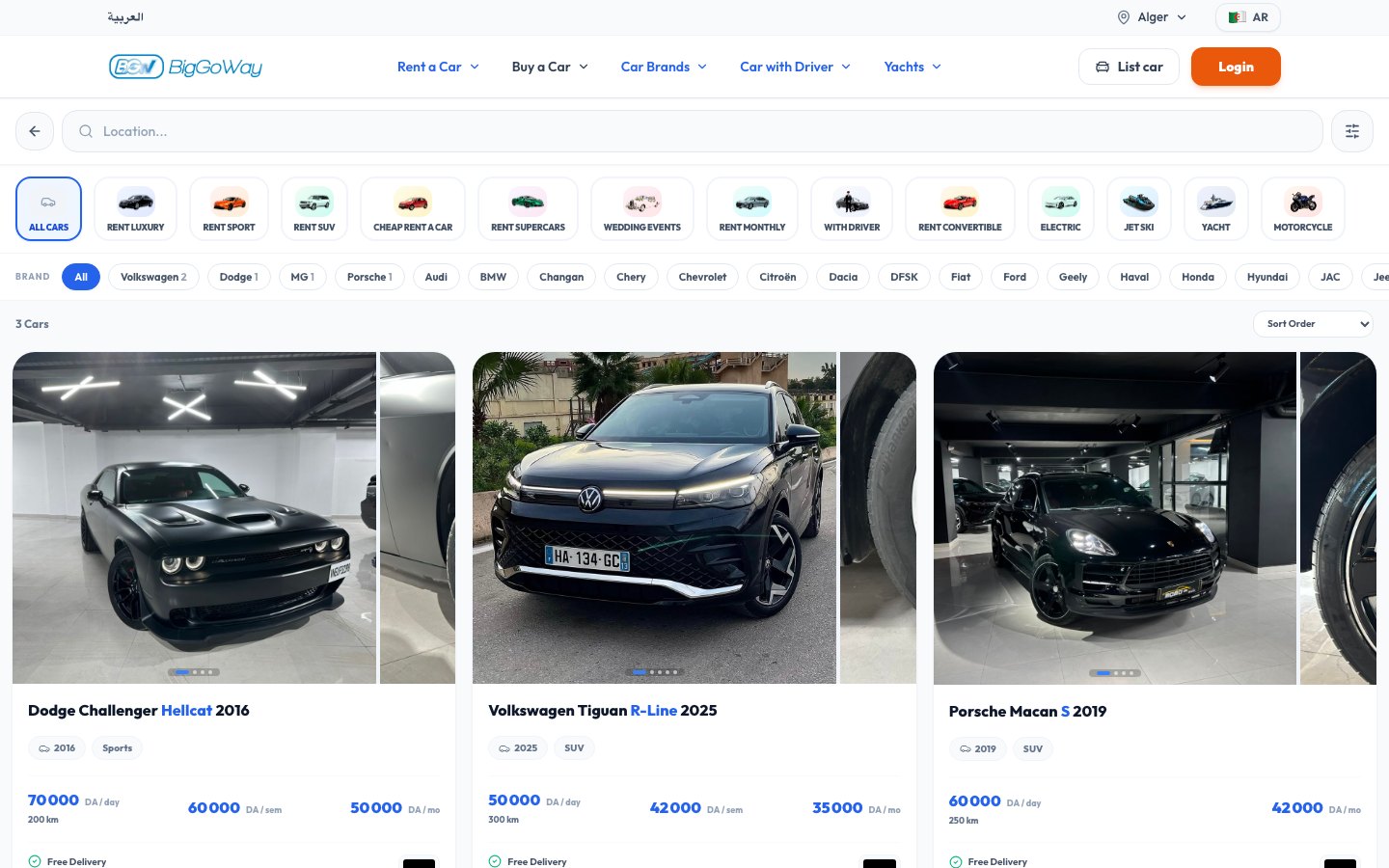
A features table is linked to packages. A public view works out the verified badge, pinning and ranking weight for each listing from the owner’s active subscription, and every public page reads that view.
Ten admin permission keys, such as listings, documents, packages and audit, are stored on each admin role. A database function checks them inside the security policies themselves.
The forms still pre-check the same limits. Database errors are ugly, so a person sees a friendly message before they ever hit one. But if they skip the form, the answer is the same no.
How do you add this to a platform that is already live?
Carefully, and in small steps. Biggo was delivered as five quoted modules, each a migration-backed release on a live database, and each one left the platform working on its own.
- Existing accounts didn’t break. The rule “no subscription means unlimited” is written once, inside the limit function, instead of rewriting every old account. On launch day, nobody lost anything.
- Staff roles were retrofitted in place. At first there was one admin role with full power. To add restricted staff accounts, I changed fifteen existing policies by exact name rather than dropping them, so production never ran without its rules.
- Nobody can promote themselves. A trigger blocks users from changing their own role and blocks admin grants from anyone without the
manage_adminspermission. - Every change is recorded. One audit trigger stores the before and after of every row across nine admin tables. The client sees per-field differences and can export them to Excel.
What it costs, and what went wrong
Moving rules into the database is more work up front, and it has its own failure modes. Three from Biggo:
- “No row means unlimited” is risky. Treating absence as permission is convenient and dangerous. That’s why deleting an admin role is blocked while people still hold it, instead of quietly clearing their role, which could have given them more power, not less.
- The public view does work on every read. Computing badges and pinning per listing is fine at current scale. It’s the first thing I’d cache when it isn’t.
- One line took the site down. As a tidy-up, I removed the anonymous role’s right to run certain database functions. The listing policies called one of them, so the public site showed zero cars. I found it by simulating the anonymous role in SQL and fixed it with a targeted migration. Now it’s a written convention: functions used by policies are part of the public surface.
The lesson from the last one: security changes need the same testing as features. If your plans and permissions live in the database, test them as the real roles would hit them, including visitors who aren’t logged in.
What goes in the database, and what stays in the UI?
Use this table when you plan your next feature. If a rule protects money, data or someone else’s account, it belongs in the left column.
| Rule | Database enforces | UI shows |
|---|---|---|
| Plan limits (listings, photos, ads) | Trigger rejects inserts over the cap | Usage meter, friendly warning before the limit |
| Paid perks (badges, pinning, ranking) | Computed from the active plan in one view | The badge itself, an upgrade prompt |
| Who can edit a listing | Row-level security on the owner | Edit buttons only on your own listings |
| Staff permissions | Permission checks inside the policies | Menu filtered to allowed pages |
| Roles and promotions | Trigger blocks self-promotion; role set safely on sign-up | Team management screen |
| History of admin changes | Audit trigger; no direct writes allowed | Diff viewer and export |
| Prices and plan contents | Stored as data the admin edits | Pricing page reads the same data |
If a paid feature can be reached without paying at all, that’s a different and more urgent problem. I wrote about it in why paid features end up unlocked for free. And if your platform also sets prices or matches people in real time, the same idea applies there: see my post on pricing, matching and tracking in a delivery app.
What the business gets out of it
The real result on Biggo isn’t technical. The client runs the platform without a developer. Packages, perks, legal pages, settings and staff permissions are all data. Turning a badge on for a tier, or restricting a staff account, needs no deploy.
That’s the test I’d use on your own platform. Can your team change what a plan includes without calling a developer? Can you give a new hire access to support without access to revenue? If the answer is no, the rules live in the wrong place.
What to do next
Start with one question: if someone ignored your interface and wrote straight to the database, which of your plan rules would still hold? Write down the ones that wouldn’t. That’s your list.
Then read the Biggo case study for the full design, including the migrations and the incident write-up. If you want the same for your platform, see what I build or tell me about your marketplace. I’ll reply with questions, and you get the scope, timeline and price in writing before any work starts.
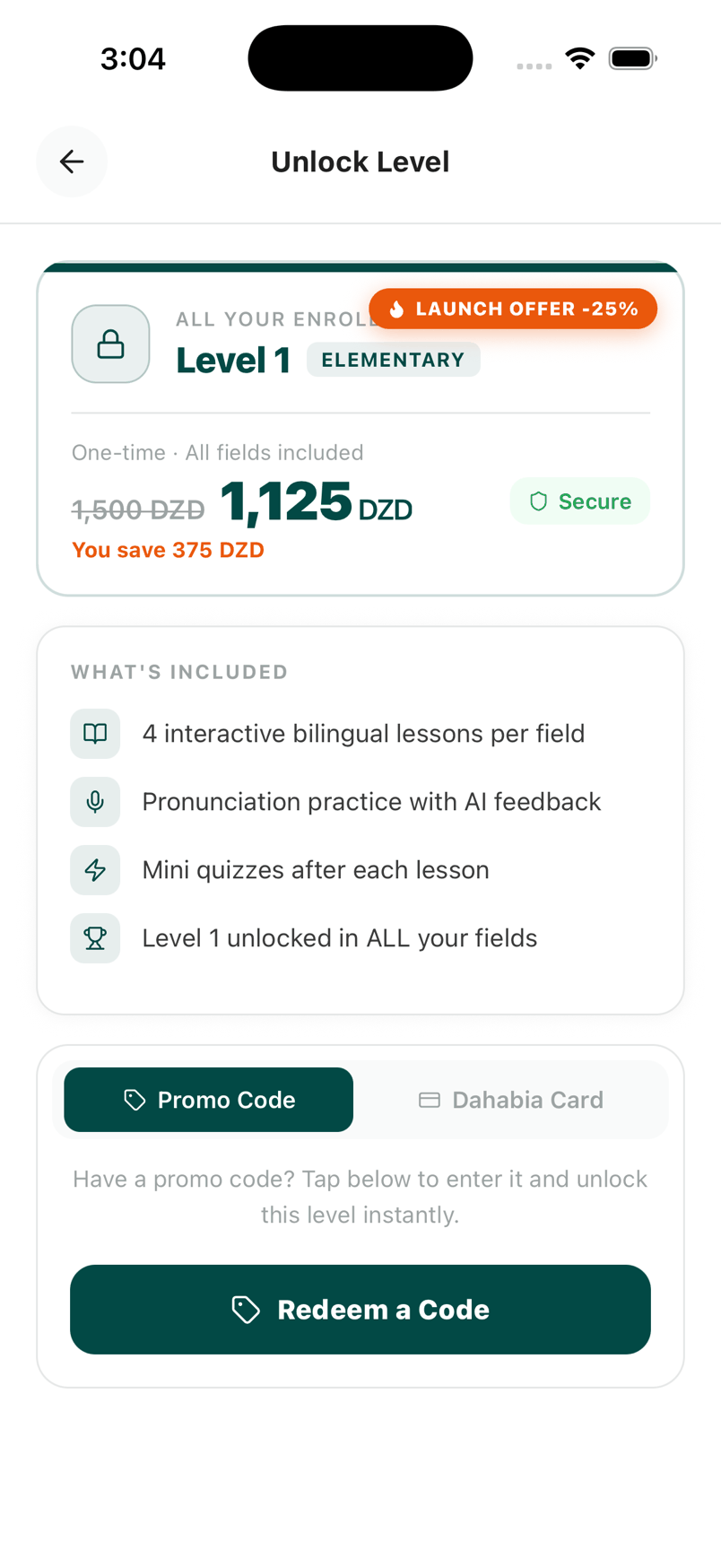
About the screenshots: all three are desktop captures of the live Biggo site, built for a client of my agency Barmjli.
Questions people ask
Where should a subscription limit be enforced, the app or the database?
What is a feature flag stored as data?
Is hiding admin pages from staff enough?
What happens to existing customers when plan limits go live?
Can you add plans and permissions to a platform that is already live?
I build AI agents, web apps and mobile apps for businesses, and I run my own agency, Barmjli. I write here about what I build and what it taught me.