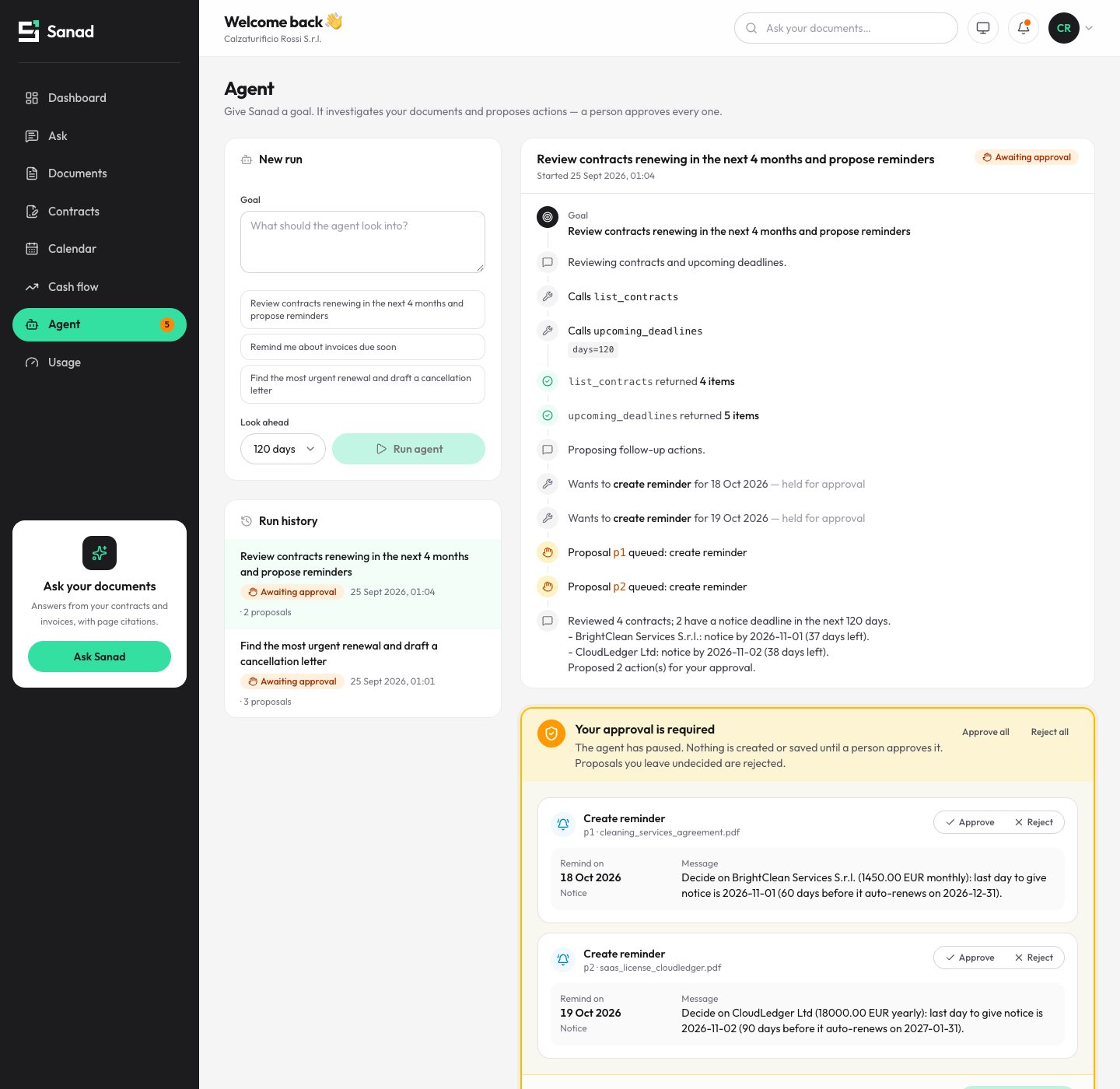
How I built VYNORO alone: 8 decisions behind an AI team you can actually trust
The architecture behind VYNORO, an AI agent team built by one developer: a manager that sorts requests, evidence IDs, code checks before AI review, row-level security, missions that survive a closed tab, cost limits and tool guardrails.
 Reda Bellassery·
·7 min read
Key takeaways
- Getting AI agents to talk to each other is the easy part. Making their work safe to send to a client is the real job.
- VYNORO is one Next.js app, one Supabase project and a server-side mission runtime on Gemini (Vertex AI): about 40,000 lines of TypeScript, built by one person.
- The decisions that mattered most: a manager that sorts before it plans, an ID on every fact, code checks before any AI review, and the AI acting as the signed-in user, never as admin.
- Long jobs run on the server with a lease and a watchdog, every model call has a price, and agents treat every web page as hostile input.
- Human approval before anything is sent isn’t a setting. It’s the product.
I built VYNORO alone: the product, the design, the full stack and the AI runtime.
VYNORO is an AI workforce for founders and small agencies. It’s a team of AI specialists, led by a manager called Vyn, that does real work for small businesses: research, audits, reports and first drafts of messages. It lives at vynoroai.com.
Here’s the thing nobody tells you when you start building agents. Getting them to talk to each other is the easy part. Getting their work to the point where you’d let it near a client is the whole job. Almost every decision below exists because the first version of something went wrong.
If you want the founder’s side of the story, why I built it at all, start with this post. This one is for builders.
The stack, in one table
| Layer | What I used |
|---|---|
| App | Next.js 16 (App Router), React 19, TypeScript, Tailwind v4 |
| Data | Supabase: Postgres with row-level security, Realtime, private Storage, Auth |
| Models | Gemini on Vertex AI: Pro for Vyn, Flash for specialists, Flash-Lite as fallback |
| Agent tools | Search and Maps grounding, PageSpeed, a page reader, code execution, image generation |
| 3D office | three.js with React Three Fiber and drei |
| Exports | PowerPoint, Excel, Word and PDF |
1. A manager that sorts before it plans
If every message turns into a multi-agent mission, a simple question takes a minute and costs real money. So Vyn’s first job isn’t planning. It’s sorting.
In about a second, Vyn puts each request in one of three lanes: answer now (a question, a fact, one short text), ask one question (when something essential is missing), or plan. A plan names the specialist for each step and exactly what that step must hand over. Steps whose inputs are ready run in parallel, up to three at a time.
The rule I care about most here: one question, not ten. Nobody wants an AI that interviews them.
2. Give every fact an ID
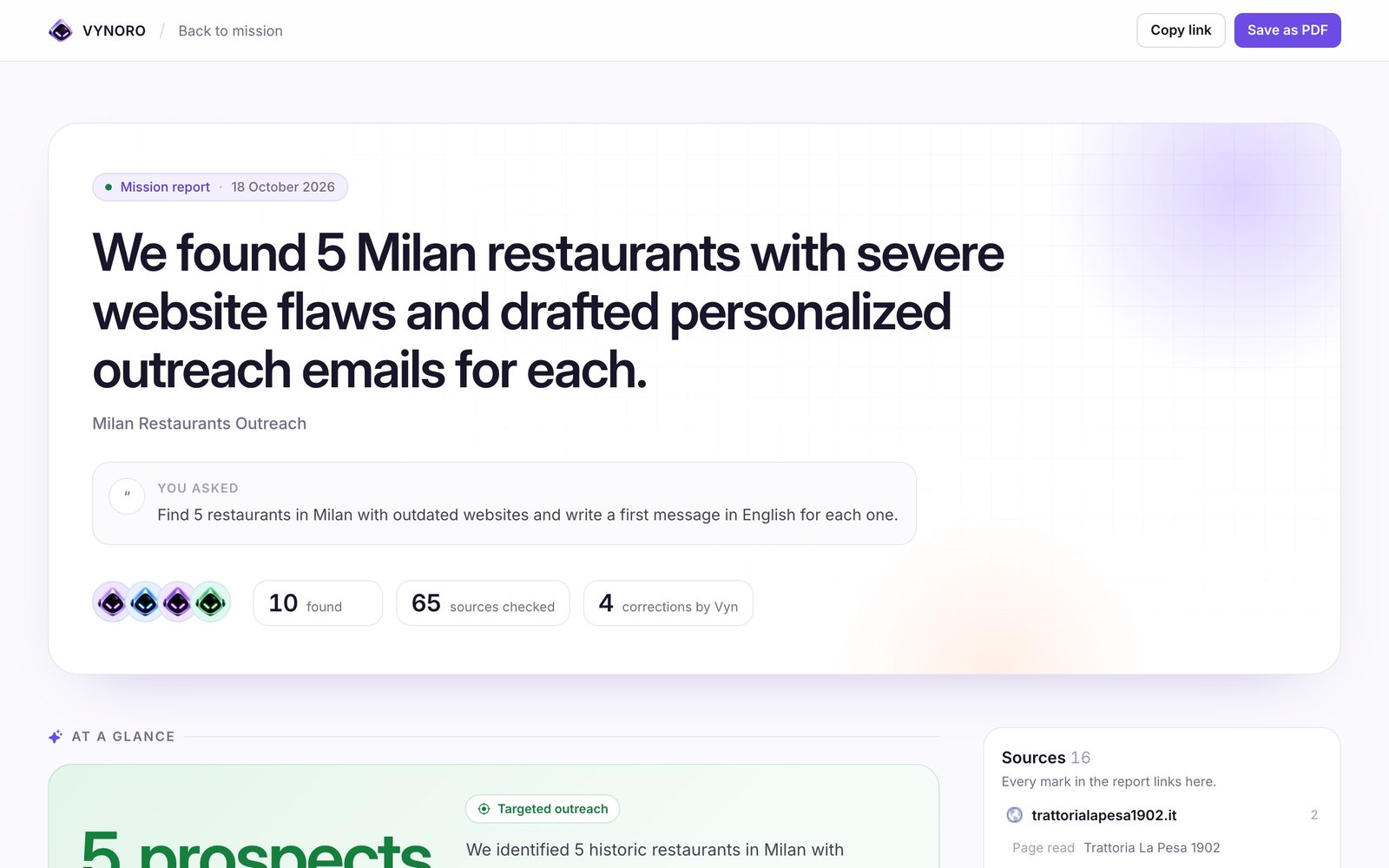
Every tool result becomes a piece of evidence with an ID, for example E2.3. That covers a page read, a Maps search, a PageSpeed run or a calculation. The report has to cite those IDs, and every mark in it links back to the page, search or calculation it came from.
That one decision changes the conversation with the user from “trust me” to “click here and check”. It also makes the next decision possible.
3. Let code check before the AI reviews
An AI reviewer tends to wave through exactly the mistakes that hurt most: an email address that looks right, or a load time nobody measured. So before Vyn reviews anything, deterministic checks run on the structured output:
- Every cited evidence ID must exist.
- Every email must appear on a page the team actually opened, not only in a search snippet.
- Every number that looks like a measurement must appear in the evidence or in the owner’s own profile.
Failures go back to the specialist for one short rewrite, with no AI call needed to find them. Only then does Vyn review: accept, ask for a revision (up to two), or escalate to the owner.
The cheapest reviewer is a regular expression. It never gets tired, and it never waves an invented email through.
Trade-off: a regex can flag a legitimate number written differently from its source. Counting the owner’s own facts as known keeps that rare.
4. The AI works as the user, never as admin
Workspaces hold client lists, prices and drafts. A query that forgets a filter must not leak another owner’s data. So all 25 migrations keep row-level security on, with owner-only policies on every table, and the AI runtime runs as the signed-in owner, not with the service role. An agent can’t read what the owner can’t.
Files sit in a private bucket under the owner’s ID and are served with ten-minute signed URLs. I learned to put permissions in the database the hard way on other products. There are a few of those stories in my engineering notes.
Trade-off: background runs need a real owner session created on the server, which is more moving parts than a service key.
5. Missions have to outlive the browser tab
A prospecting mission can take minutes. An owner who closes the laptop shouldn’t lose the work, and neither should a deploy in the middle of it.
Missions run on the server. A run holds a four-minute lease that every AI call renews. A watchdog checks every minute and continues a dead run from the last finished step. After three automatic resumes, or a run that has been dead for 30 minutes, the mission fails cleanly with a Retry button instead of hanging forever.
Live status streams to the browser through Supabase Realtime, so when the owner comes back, the office and the mission board show exactly where things are.
Trade-off: on serverless hosts the watchdog needs a cron call every minute, and long runs yield between steps after nine minutes.
6. Put a price tag on every call
Agents that loop with tools can burn money quietly. A small agency needs a cost it can predict.
Every Gemini call is logged with the model, tokens, estimated cost and latency. Each mission starts with a 1 USD budget and pauses at the limit until the owner continues. Models are chosen per tier in one file: Pro for Vyn’s reasoning and reviews, Flash for specialists, Flash-Lite as the fast fallback, each with retries and timeouts. Plan limits are checked on the server before a mission starts, not only in the UI.
Trade-off: costs are estimated from token counts, so they track the provider’s bill closely but aren’t the invoice.
7. Treat every web page as hostile
Agents read the open web. A page can try to reach internal addresses, or hide instructions meant for the model.
A registry decides which role may call which tool, and how often. The page reader only allows http(s) and public IP addresses, re-checks every redirect hop, and caps size and time. Fetched text is wrapped as untrusted input in the prompt, so a page that says “ignore your instructions” is just text being read, not an order.
Trade-off: tight limits mean some heavy pages are only read in part.
8. Make approval the product, not a setting
An AI that emails a restaurant on its own, with a wrong detail, damages the agency’s name. Small agencies live on their reputation.
So the Outreach specialist only drafts. Drafts become approval items on the mission, the owner reviews them one by one, and nothing is sent until the review is finished. Edits and rejections with a note turn into short lessons stored per workspace and added to later prompts, so the team gets closer to the owner’s voice every time.
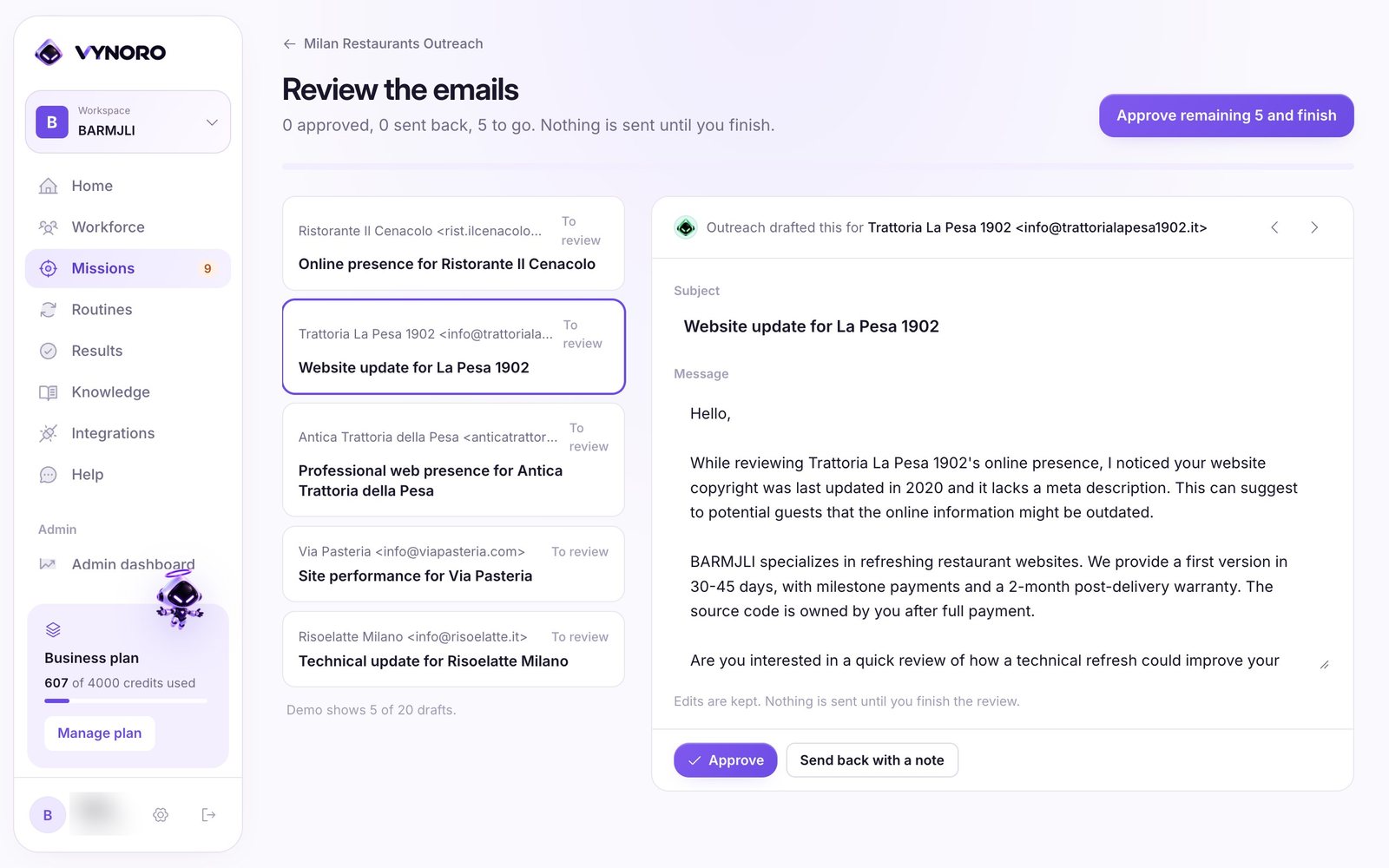
The owner has to spend a few minutes reviewing. That’s the product’s position, not a limitation to remove.
What building it alone actually took
Beyond the eight decisions, three habits did most of the work:
- Prompts are code. They come in four versioned layers: a constitution every agent follows, one template per role, the workspace profile, and the task with teammates’ outputs. Changing one layer doesn’t silently change the others.
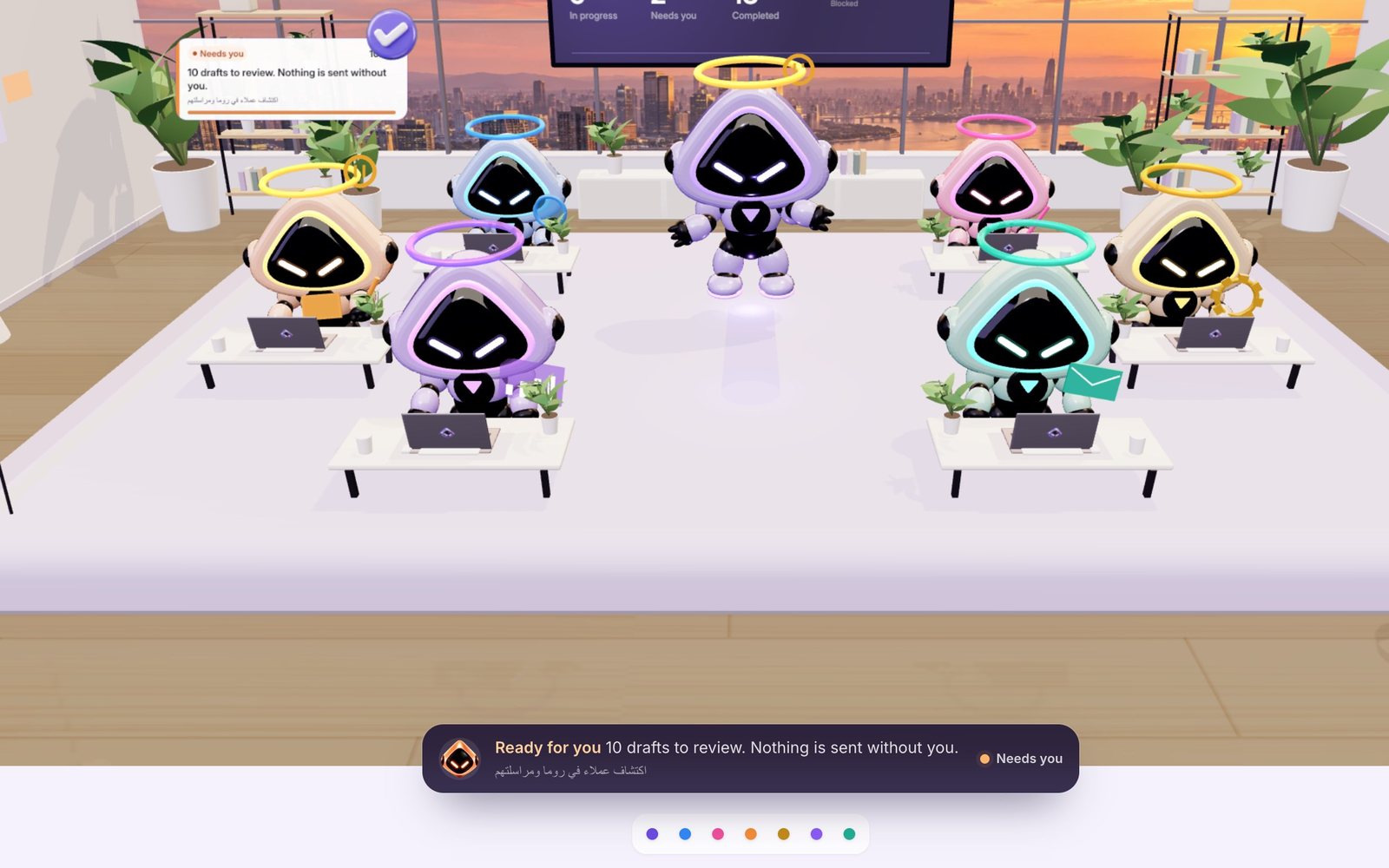
- Make the work visible. The 3D office isn’t decoration. It only shows what the mission backend publishes, so with no missions running the team sits idle. Watching real work happen is how people learn to trust it. The camera paths and animations have their own tests, so a change doesn’t break the view.
- Use it first. I run my own agency on VYNORO. The review-before-send rule and the code checks both came from that.
What’s next is mostly plumbing. Missions and integrations will be scoped per workspace rather than per owner, and uploaded originals will move to Storage. After that come more integrations for sending approved work, and a wider test suite around the mission runtime.
Want an AI team like this for your business?
VYNORO is built for small agencies, but the patterns above work for any company that wants AI agents doing real work. Think reading emails and PDFs, updating a CRM, preparing reports and drafting replies, with a person approving before anything goes out.
That’s the kind of system I build for clients, in person around Macerata and the Marche and remotely across Italy and Europe. Read the full VYNORO case study, see my services, or tell me what you’d like your agents to do.
About the numbers and screenshots: they come from the VYNORO codebase and from my own workspace for Barmjli, running real missions on public data.
Questions people ask
What tech stack is VYNORO built on?
How do you stop AI agents from inventing data?
How do you keep AI agent costs under control?
How do long multi-agent jobs survive a closed browser or a deploy?
Can you build a similar AI agent system for my company?
I build AI agents, web apps and mobile apps for businesses, and I run my own agency, Barmjli. I write here about what I build and what it taught me.