Launching a delivery or ride app? The hard part isn’t the map
What goes wrong in delivery and ride apps, and what must be right from day one: prices the server stands behind, the closest drivers first, tracking that survives a locked phone, and proof of delivery. With screens from WEVO.
 Reda Bellassery·
·8 min read
Key takeaways
- In a delivery or ride app the screens are the easy part. The hard part is deciding the price, the driver and the trip status in a place nobody can tamper with.
- A price computed on the phone can be changed on the phone, so the server should issue a quote and every order should have to reference it.
- Sending every request to every driver rewards the fastest tap, not the closest driver; matching in widening waves of nearby drivers fixes that.
- Treat each trip as a state machine on the server: every step, from offer to finish, goes through a function that checks the current state first.
- An MVP needs server-side pricing, matching, live tracking, cancellation and proof of delivery on day one; extras like promotions, analytics and more vehicle types can follow.
You want to launch a delivery service, a ride app, or something on demand. The screens look simple: a map, a big button, a car moving towards a pin.
Then the questions start. Who decides the price? Which driver gets the job? What happens when a driver locks the phone in the middle of a trip? How do you know the parcel reached the right person, and not just “someone at the door”?
None of that shows up in a mockup, and all of it decides whether the service works on a Friday night.
This post is for business owners and founders planning a delivery, ride or on-demand app, whether you run a courier service, a restaurant with its own riders, or a new marketplace.
What actually goes wrong in a delivery or ride app?
Almost every failure comes from letting the phone decide something the business should decide. I built WEVO, a ride-hailing and moto-delivery app for Algeria, for a client through my agency Barmjli. These are the problems we had to design around:
- Prices that can be edited. A price computed in the app can be changed in the app.
- The fastest tap wins. If every driver sees every request, the job goes to whoever taps first, not whoever is closest.
- Requests that hang. A client waits with no driver and no answer.
- Drivers who vanish. The phone is locked in a holder, the system kills the app, and the driver drops out of matching.
- Two people, one trip. The client’s order and the driver’s status change at the same time, from two phones.
- Parcels with no proof. “Delivered” means nothing without a way to check it.
Why must price, matching and status live on the server?
Because the server is the only part of the system that neither side controls. The client’s phone belongs to the client and the driver’s phone belongs to the driver. Both have a reason to bend the rules a little.
A server-authoritative app is one where the server makes the decisions that matter and the phones only ask and display. For example, the server sets the price, decides who may take a job and knows what state each trip is in. The app can still feel instant. It just can’t overrule the server.
WEVO has no separate server to babysit. The app talks to Supabase, and the rules live in Postgres, the database. Row-level security, the database checking who may read each row, and checked database functions do the work a back-office server would normally do.
The phone asks. The server decides.
How WEVO prices a trip
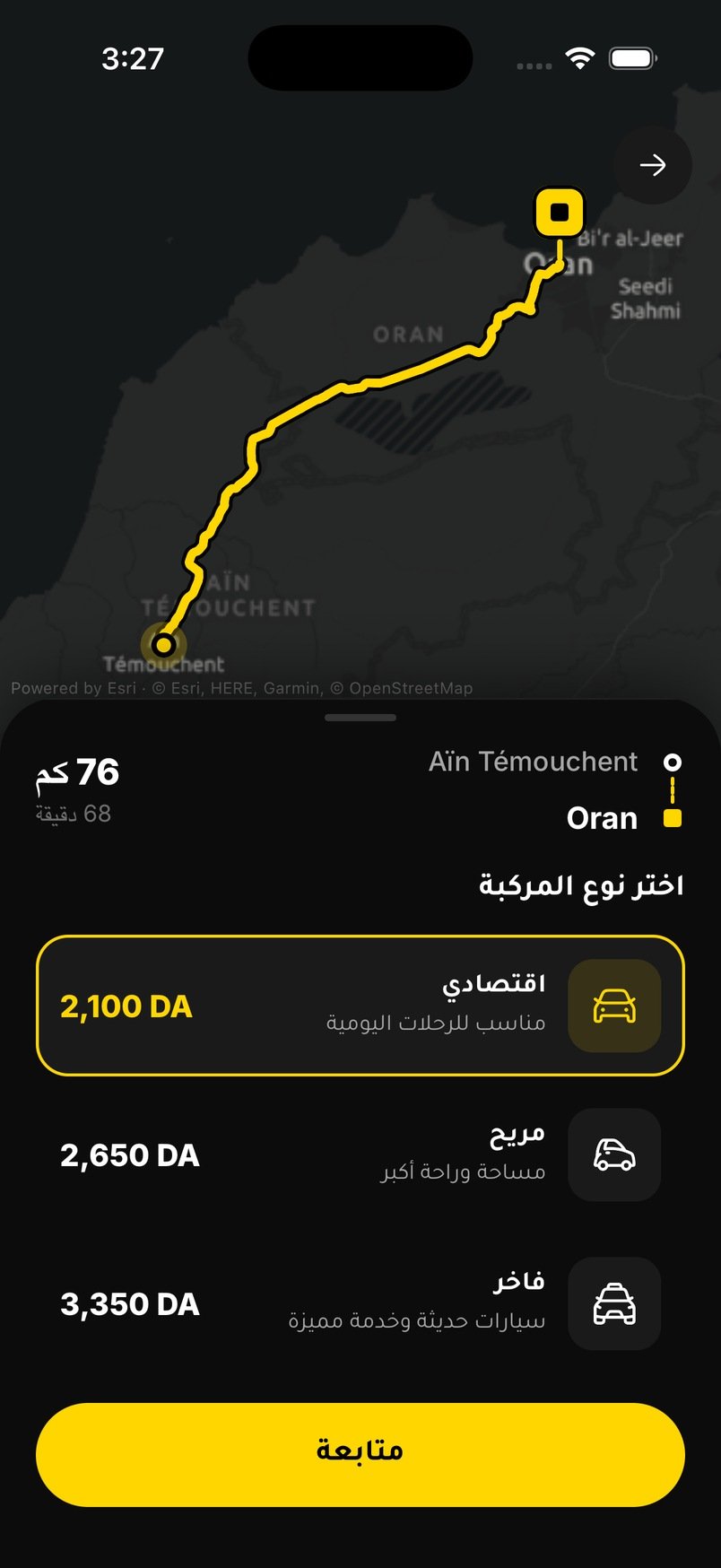
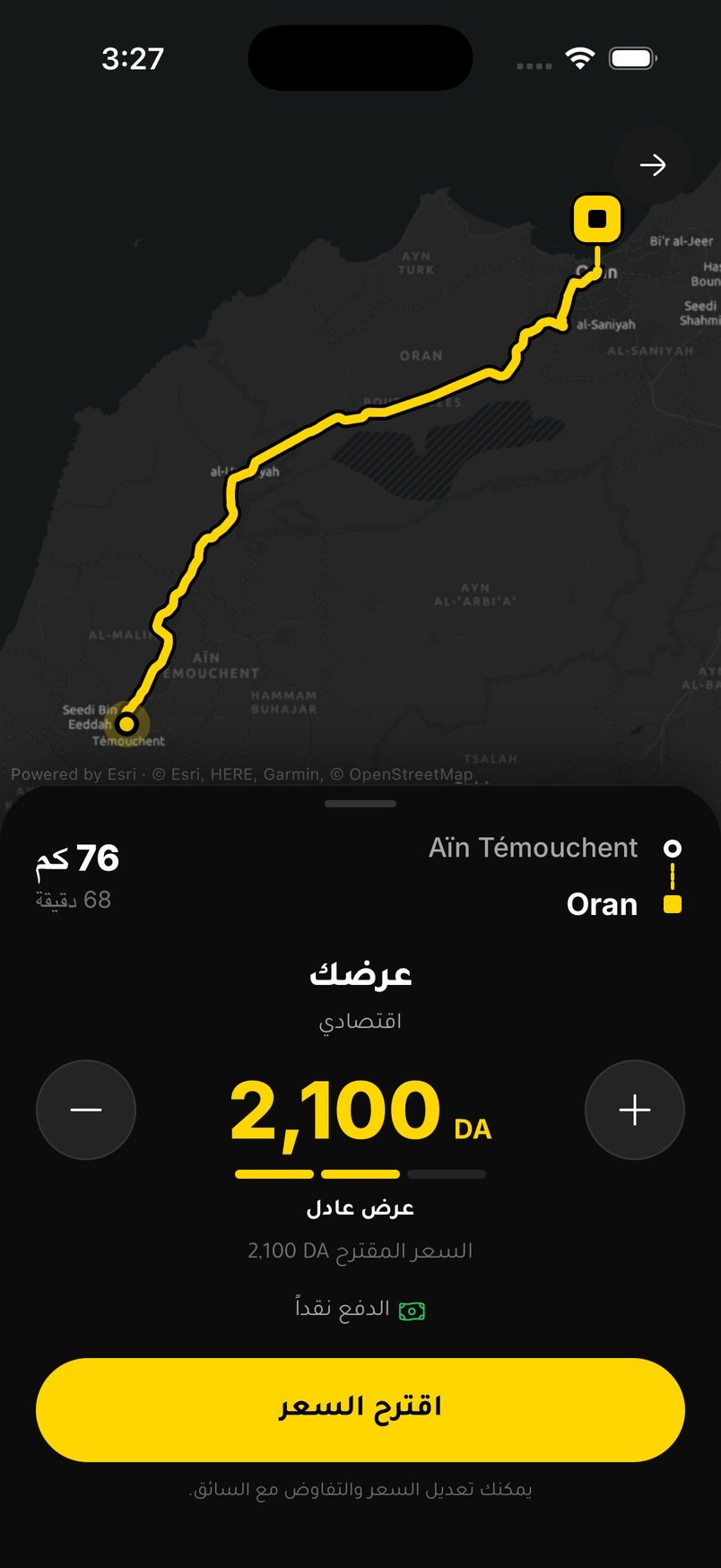
Every price is issued by the server, and the client can negotiate only inside a range the server sets. Negotiating is normal in that market, so we built it in instead of fighting it.
- Real road distance.An Edge Function checks the session and gets the road route from OSRM: distance, time and the line drawn on the map. Not a straight line.
- Rules the business can tune.Base fare, price per km (cheaper after 15 km between cities), per minute, minimum fare, a night factor and a vehicle factor. They are edited from the admin mode, without a new release.
- Live demand.A factor between 1.0 and 1.5, based on open requests against online drivers within about 10 km.
- A quote, not just a number.The server issues a quote valid for 20 minutes that can be used once. Every order must reference it.
- Fair negotiation.The client can offer another price and drivers can counter. Offers outside 70% to 300% of the suggested price, or below the minimum fare, are rejected by the database.
When an order arrives, the server copies the distance, duration and route from the quote. The app never gets to say how far the trip is.
How WEVO picks the driver
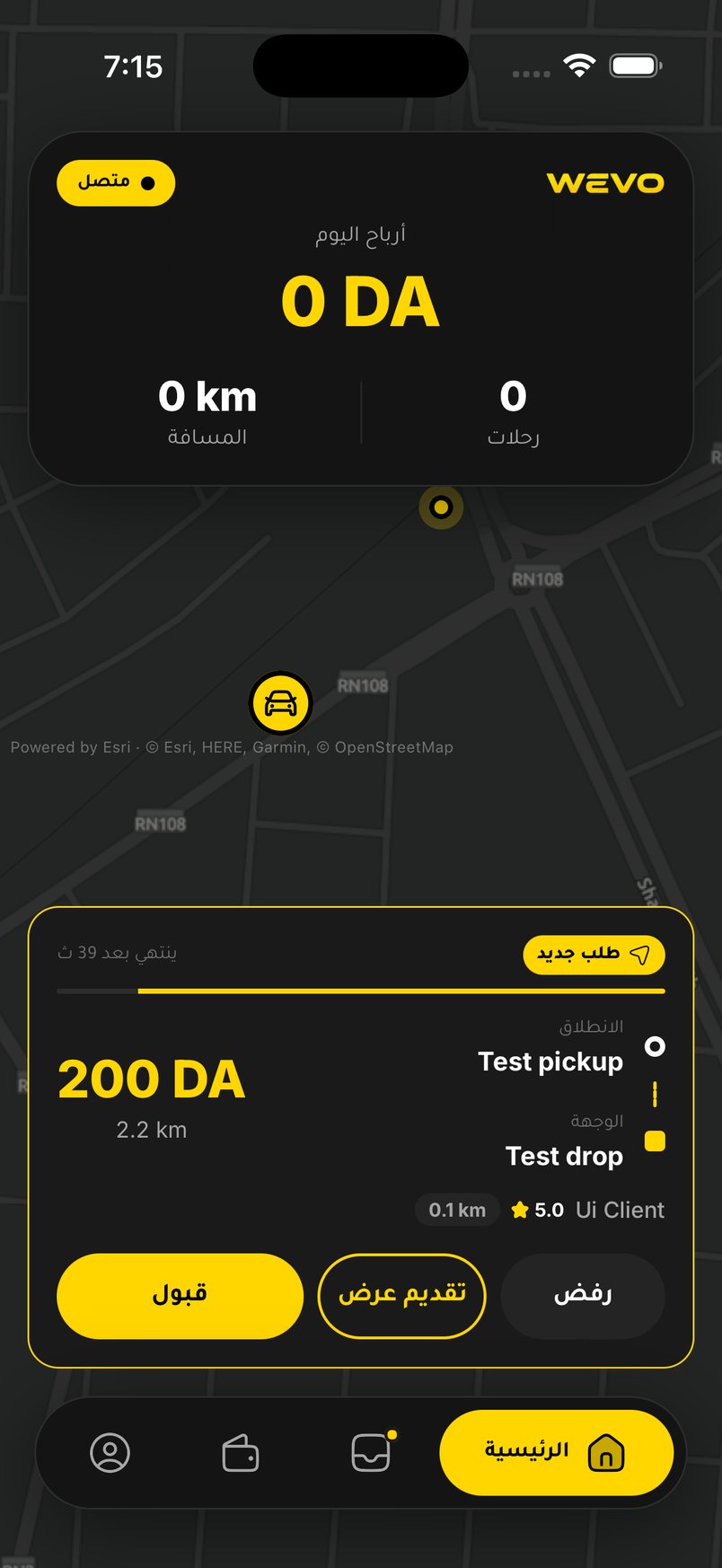
The closest free drivers hear about a request first, and the circle widens in waves. Here’s the sequence:
- Wave 1. The 3 closest drivers within 3 km, for 25 seconds.
- Wave 2. The 6 closest within 5 km.
- Wave 3. The 12 closest within 8 km.
- Then everyone within 10 km.
The rule lives in the database. A driver can see a request only if they are online, have the right vehicle, sent GPS in the last 3 minutes, are free and fall inside the current wave. An offer from anyone else is refused. A scheduled job runs every 30 seconds to widen the wave and notify the drivers who just entered it.
A request nobody takes within 6 minutes closes by itself, and the client can retry with another price. No request hangs forever.
Live tracking, trip status and proof of delivery
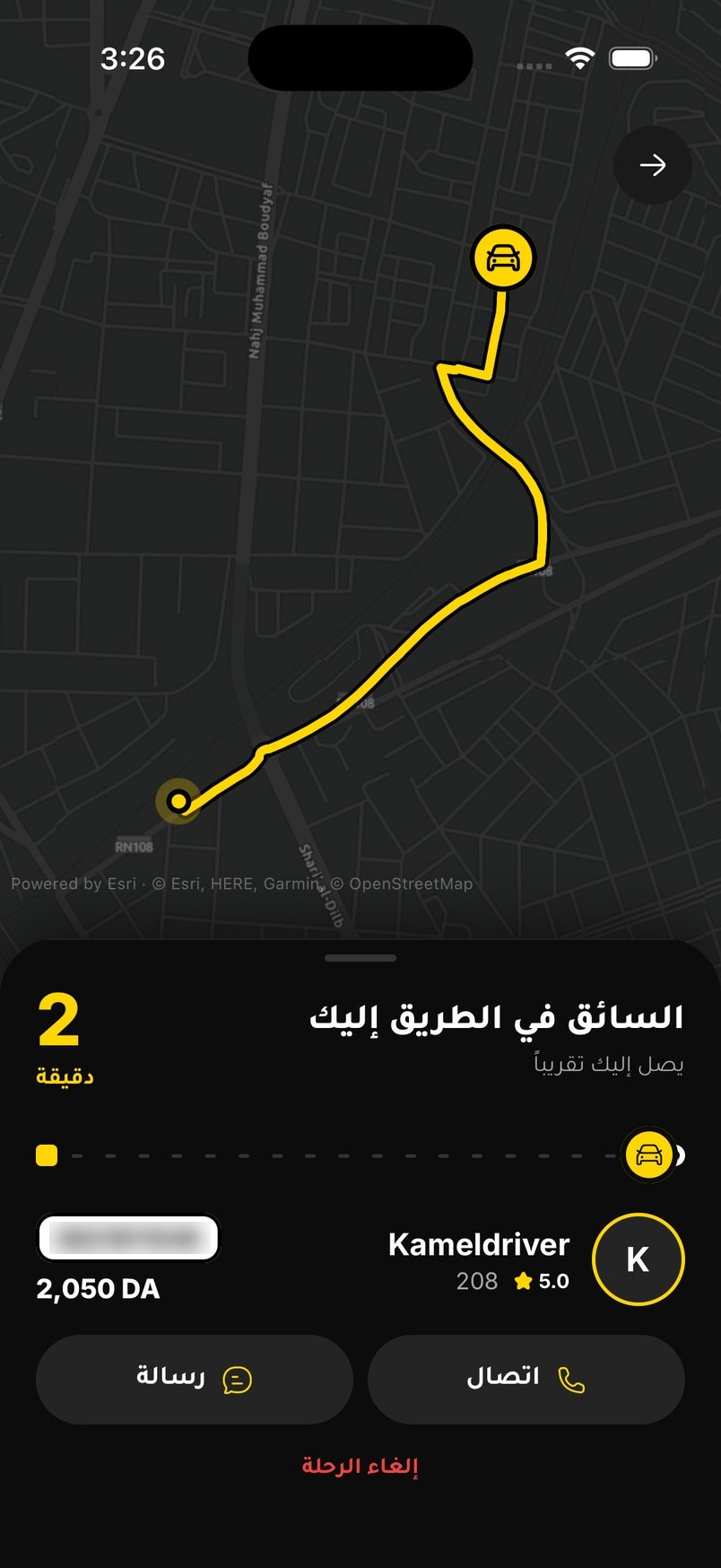
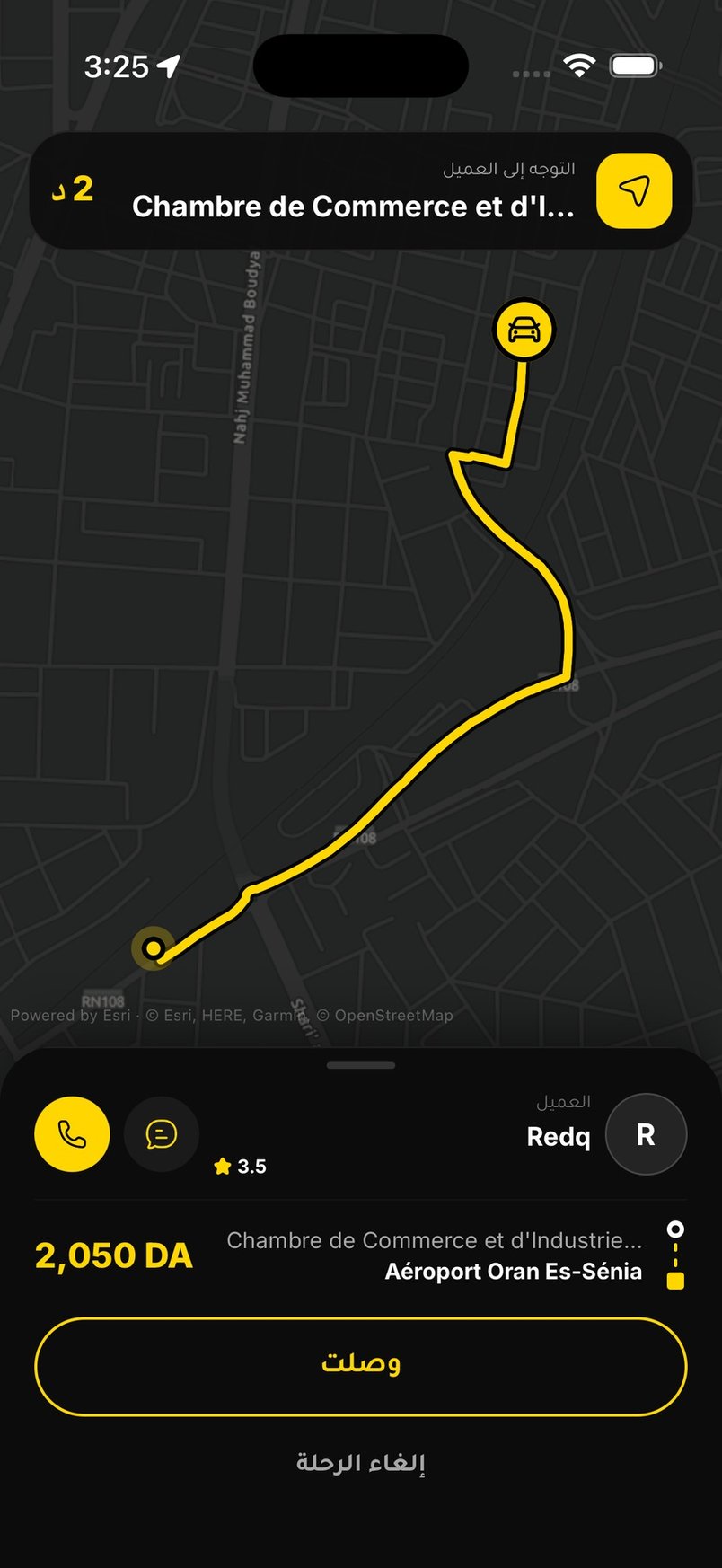
Once a driver is matched, the trip becomes a state machine on the server. That means a trip can only move through allowed steps: offer, accept, arrive, start and finish, plus cancel and rate. Each step goes through a database function that checks the current state first, so two phones can’t push a trip into a state that makes no sense. A SQL test file runs 39 checks over the whole order flow.
Tracking has to survive real life:
- Positions, throttled. Online drivers send their position every 10 metres moved, at most every 2.5 seconds, with a heartbeat every 45 seconds.
- The screen can be off. On Android a foreground service, an app part that keeps running with a visible notification, keeps the position stream alive while the driver is online.
- Silence is handled. A server job sets drivers offline after 10 minutes without a position, and closes trips that never started.
- No SMS needed. Client and driver chat or call inside the trip.
For parcels, proof matters more than speed. The recipient gets a 4-digit code that is never sent to the courier, and the delivery completes only with the right code. The courier photographs the parcel at pickup. If the code isn’t available, the recipient signs on the courier’s screen.
What does an MVP need, and what can wait?
An MVP, the first version real customers use, needs everything that protects money and trust. It can skip most comfort features. This is how I’d split it:
| Needed at launch | Can wait |
|---|---|
| Prices issued by the server, with a range | Promotions and discount codes |
| Matching by distance, with expiry | Smarter dispatch and scheduled rides |
| Trip status checked on the server | Detailed analytics dashboards |
| Live tracking and in-app chat | Extra map styles and themes |
| Cancellation and stuck-trip cleanup | Loyalty and referral features |
| Proof of delivery for parcels | More vehicle types |
| Basic admin: approve, ban, edit prices | A separate web back office |
| A production routing service, backups and crash reporting | Fine-tuning them for scale |
| Your customers’ languages | Every other language |
WEVO’s own list before the store release is a good real example: driver documents with admin approval, self-hosted routing and place search, Supabase Pro with daily backups, terms and privacy policy in Arabic and French, crash reporting, and testing on a range of real Android phones.
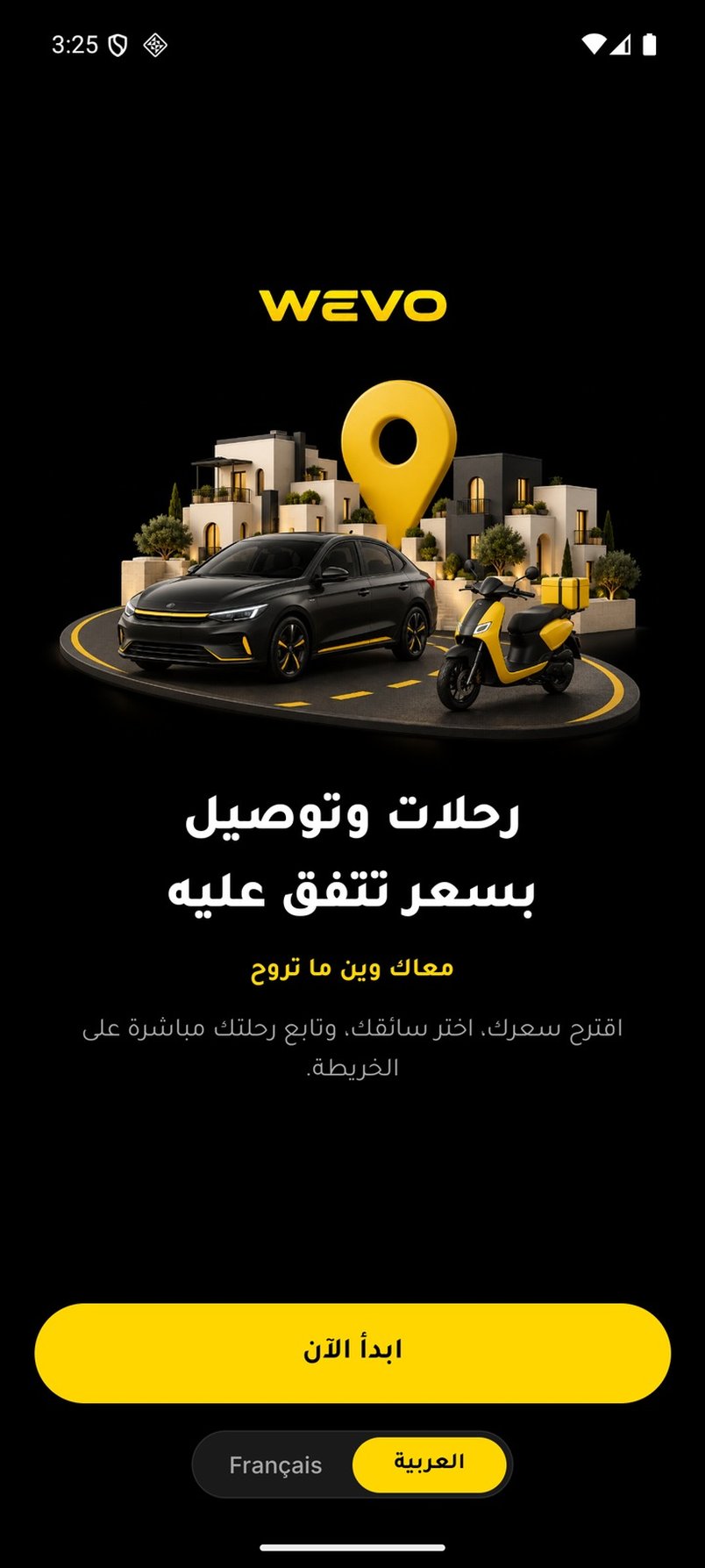
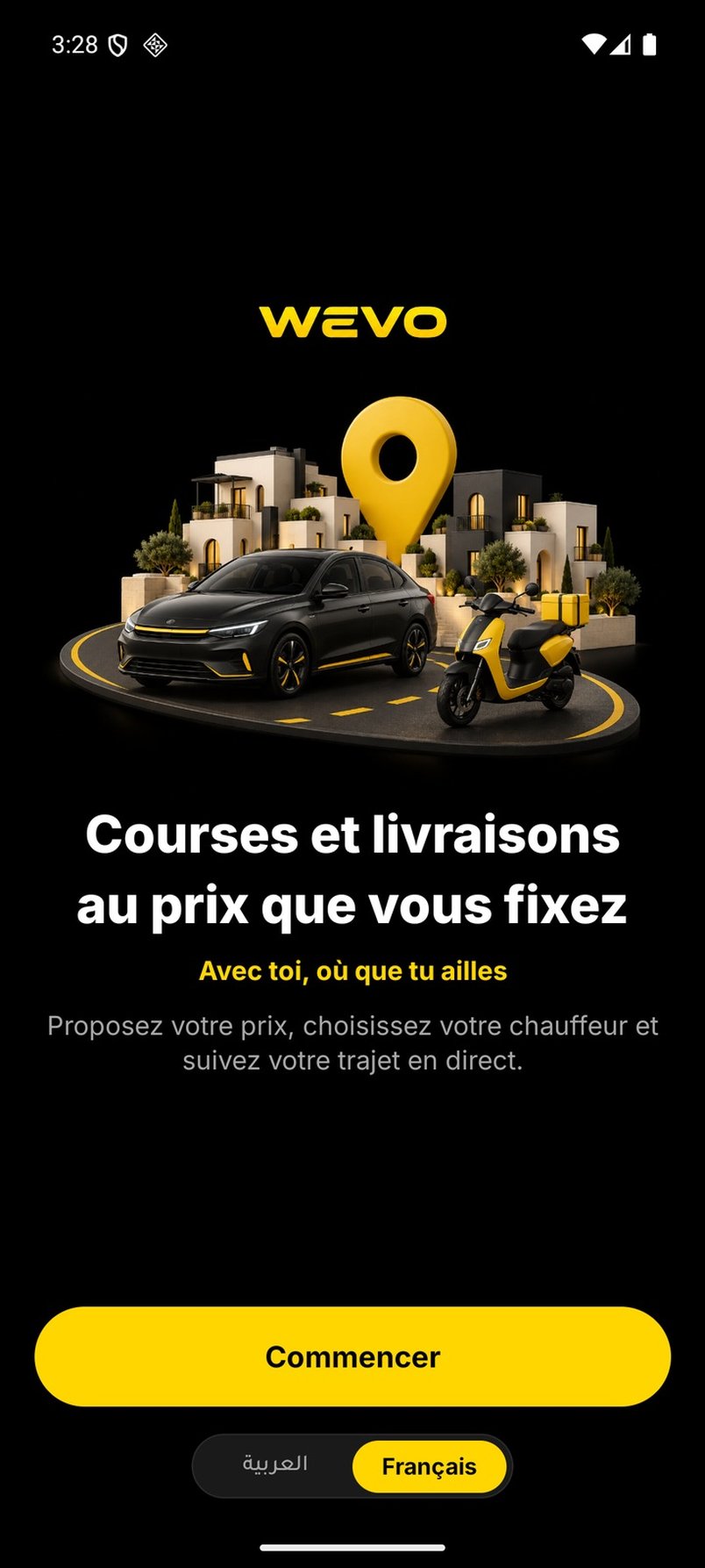
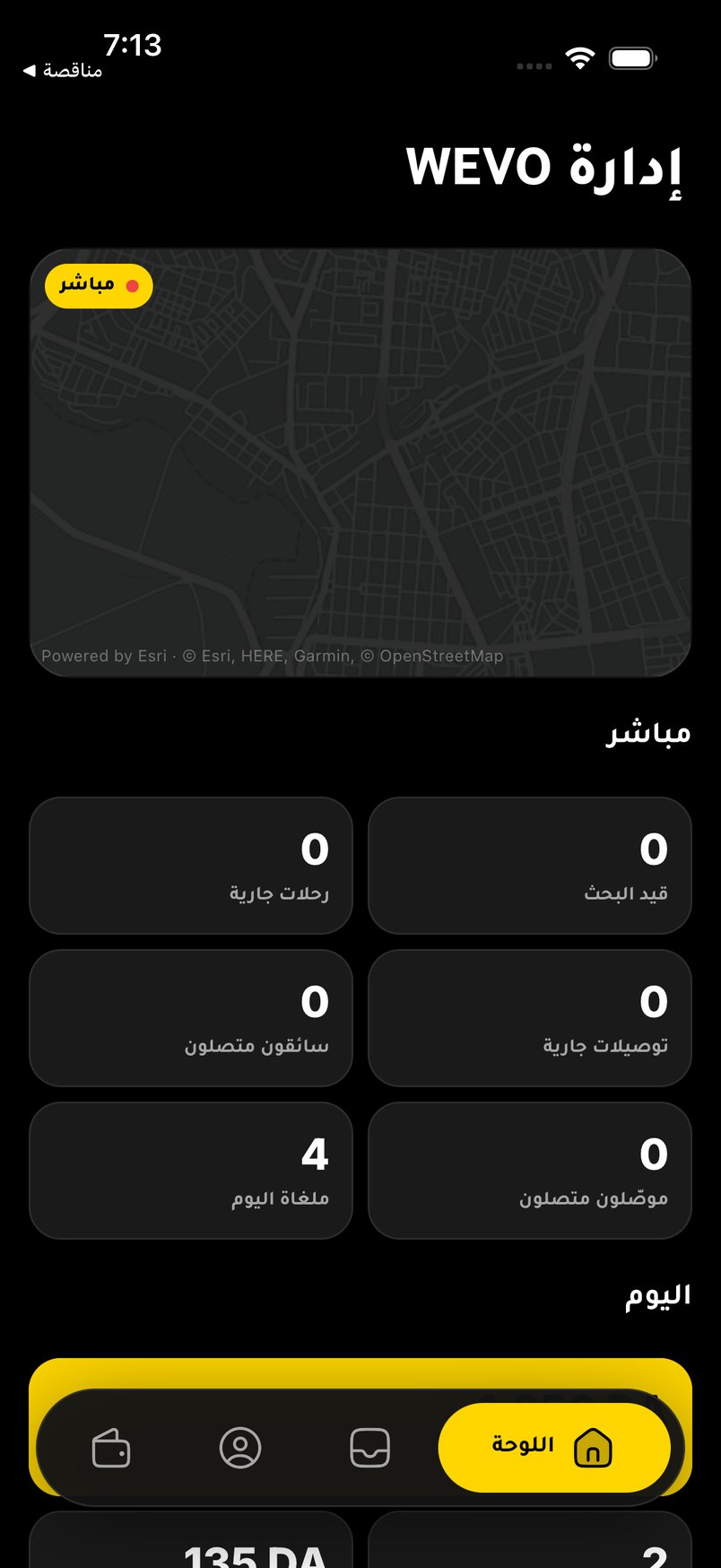
For WEVO, “your customers’ languages” meant Arabic, right to left, and French from the first build. One React Native codebase holds the client app, the VTC driver app, the moto courier app and the admin dashboard.
What does it cost, and where are the trade-offs?
A ride app draws maps all day, so the map can quietly become a big monthly cost. In WEVO, paying per map load before launch would have cost more than the client’s budget allowed. So the app uses Esri’s licensed basemap tiles, drawn in a way that needs four times fewer tiles per screen. That keeps it inside the free tier of two million tiles a month. Place search answers are cached for seven days.
The honest trade-offs:
- Free services aren’t launch services. The public OSRM router is for development only. If it fails, the price falls back to a straight-line estimate that is flagged as such. Place search uses a public server with no guarantee. Self-hosted routing and place search are on the launch list.
- More logic in SQL. It’s harder to debug than app code, but it’s the one place neither app can bypass.
- Some polling. Drivers’ feeds re-read every 10 seconds to see the next wave, which costs some requests.
- iPhone isn’t finished. iOS background location isn’t done yet, so on iPhone the driver app must stay open.
Where it stands: the client, driver and courier flows work end to end on the real backend, and an Android beta build is ready. Push notifications are built and wait for the client’s Firebase project. The app hasn’t launched publicly, so there are no usage numbers to show you.
A checklist before you build or hire
Whoever builds your app, ask them these questions. The answers tell you more than the mockups:
- Where is the price calculated, and can the app change it?
- Who sees a new request first, and what happens if nobody accepts it?
- What happens when a driver’s phone goes silent in the middle of a trip?
- Can two phones put a trip in an impossible state? How is that tested?
- How is a delivery proven, and is the code ever visible to the courier?
- Which map and routing services are used, and what do they cost at your volume?
- What still needs doing before the store release? A good developer has a written list.
If you plan to charge subscriptions or commissions, the same thinking applies to plans and payments. I wrote about that in plans, roles and limits in a marketplace and payment received, access missing. If you already have a prototype from an AI builder, start with what to fix before production.
What to do next
If you’re planning a delivery, ride or on-demand app, the most useful first step is to write down three rules. How is a price set? Who gets a job? How is a job proven done? Everything else is built around those.
You can see every screen and the engineering behind it in the WEVO case study. Mobile apps with real-time data, maps and GPS are part of what I build. If you have a service in mind, describe it to me and I’ll reply with questions or a first plan.
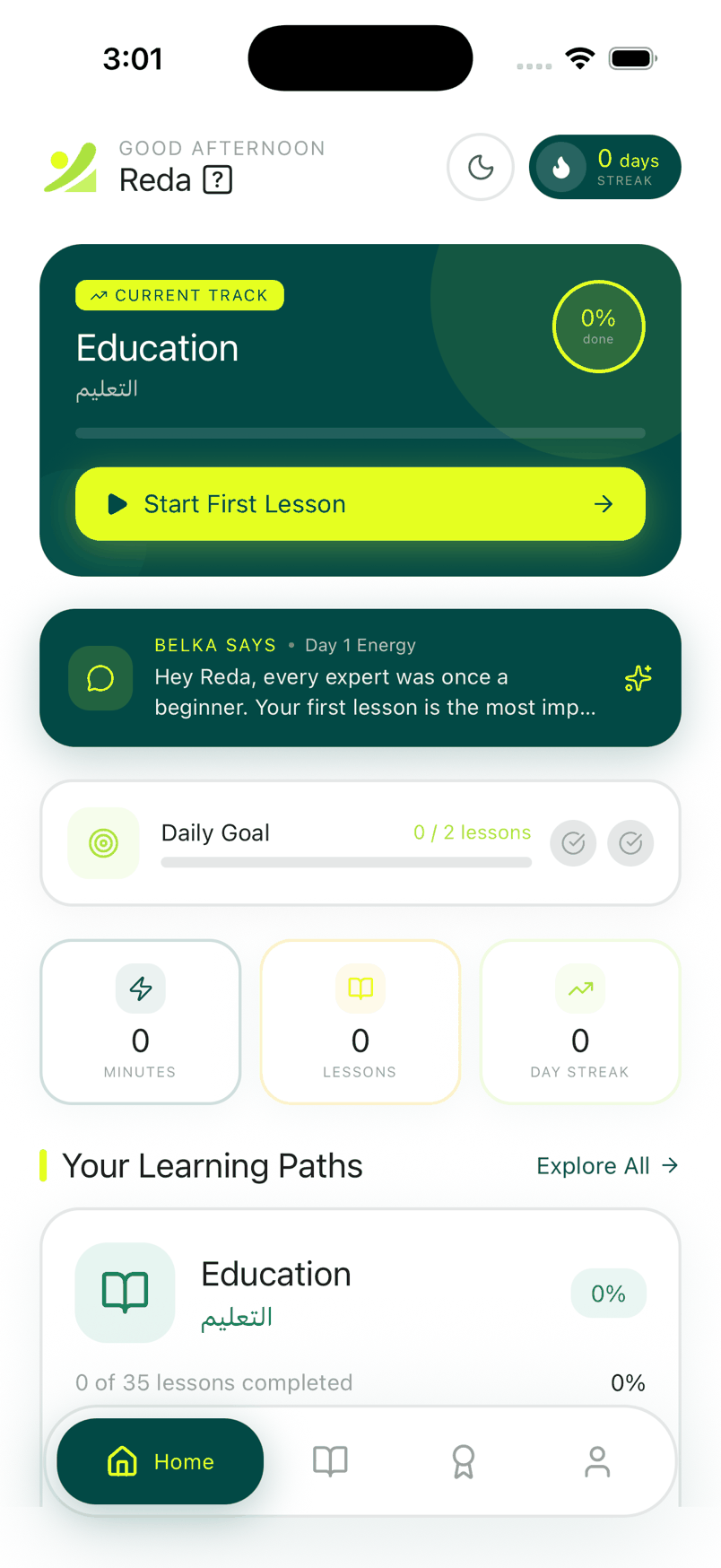
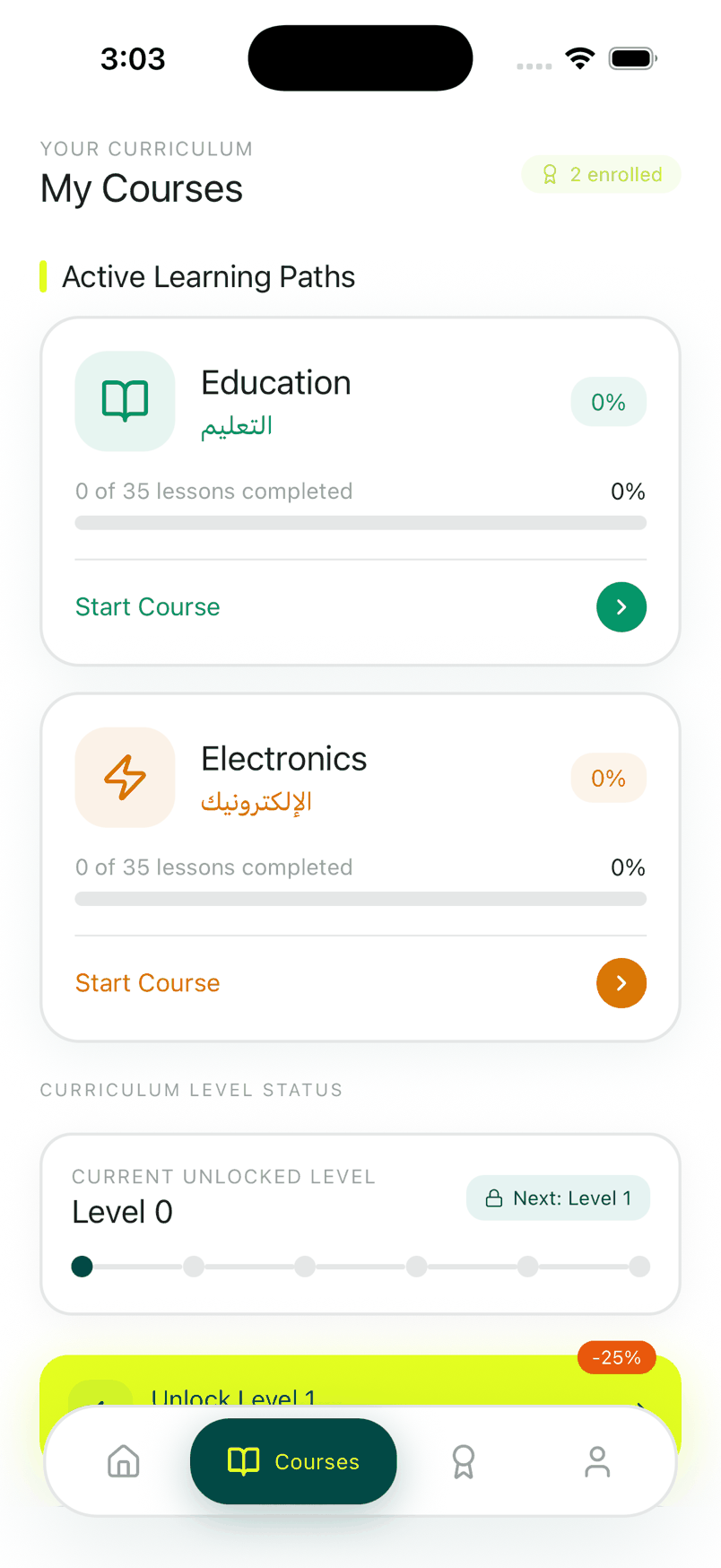
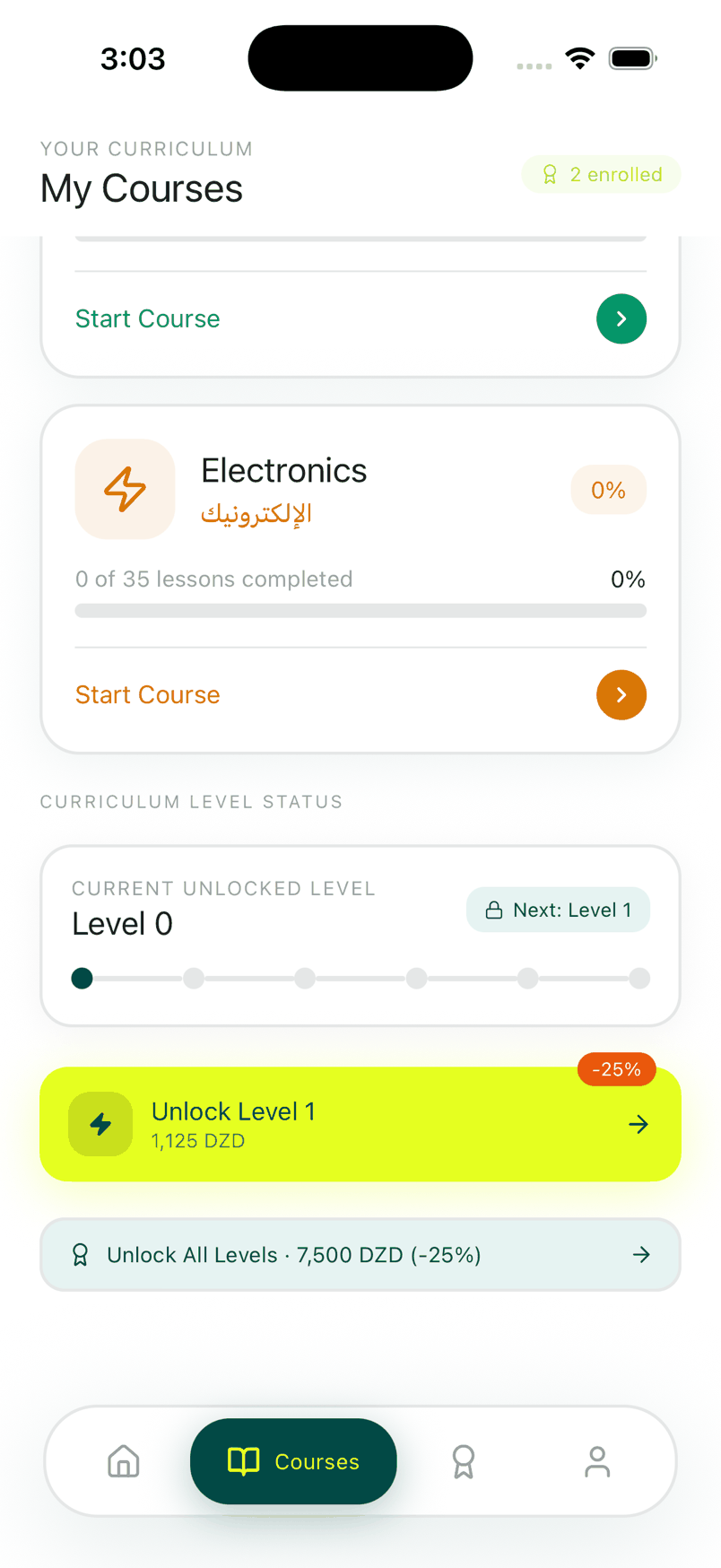
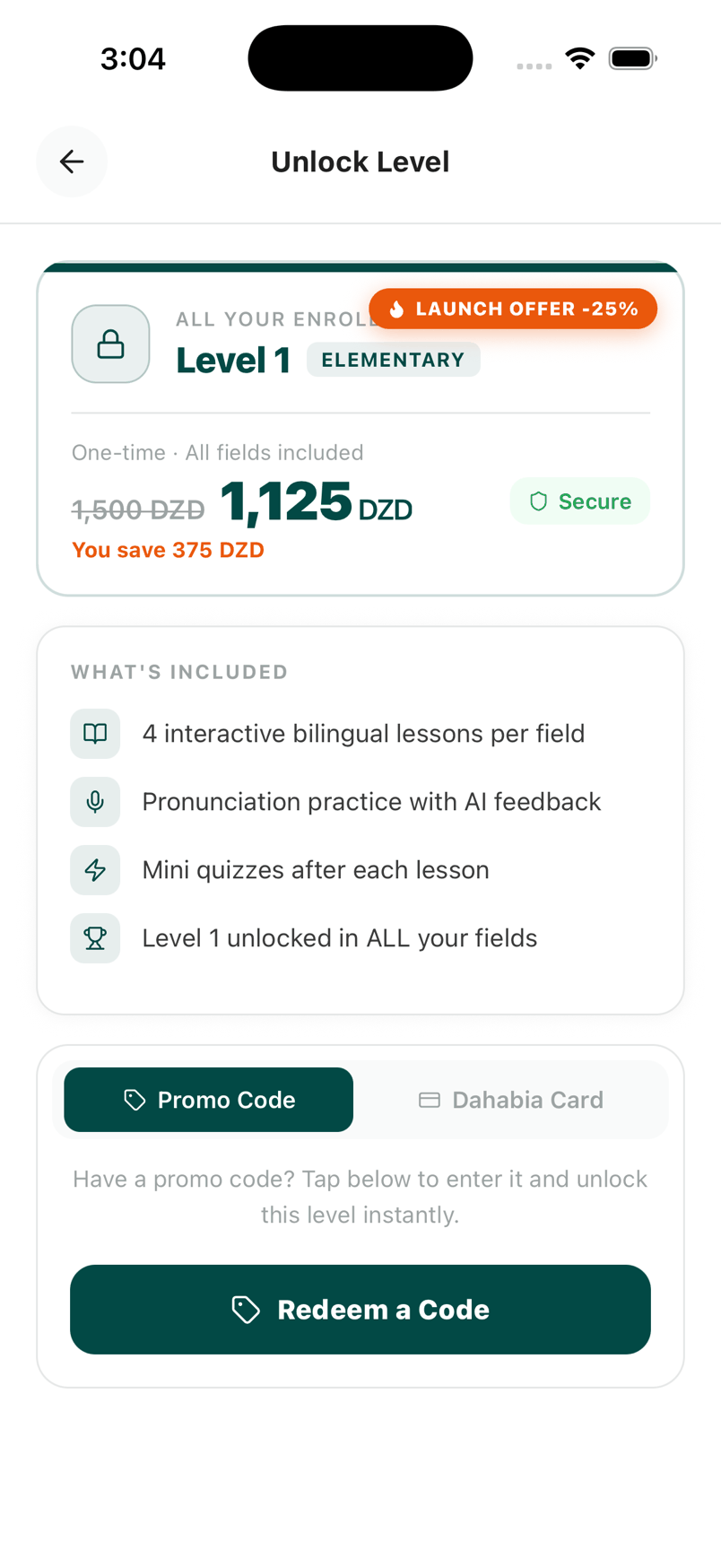
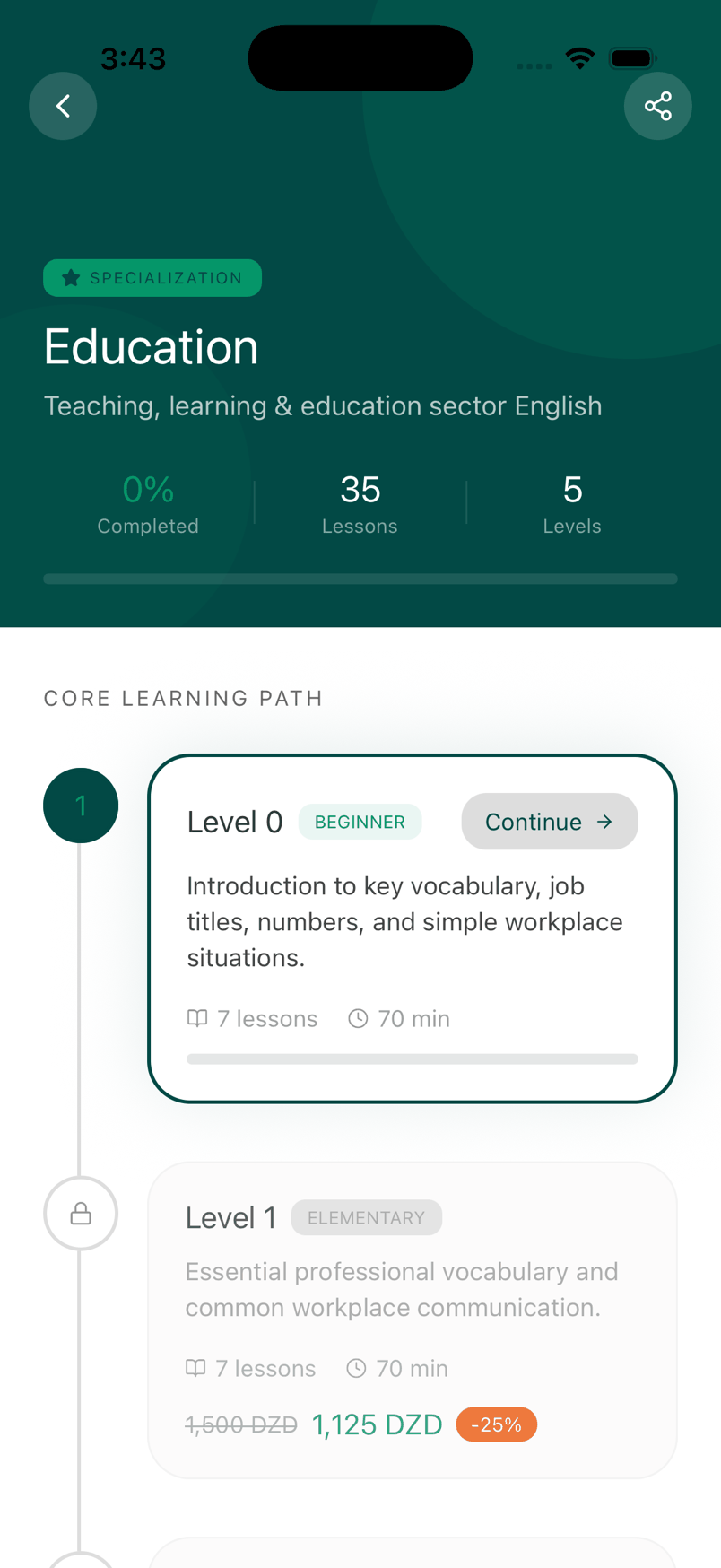
About the screenshots: every screen comes from the WEVO beta build, running on the real backend.
Questions people ask
Why should prices be calculated on the server in a delivery app?
How do ride and delivery apps choose which driver gets a request?
What does an MVP for a delivery app need?
How do you prove a parcel was delivered?
Can one app serve clients, drivers and admins?
I build AI agents, web apps and mobile apps for businesses, and I run my own agency, Barmjli. I write here about what I build and what it taught me.