We added an AI feature, and now the bill grows faster than revenue
Why AI features get expensive so fast, and how I meter them in my own products: limits checked on the server before the call, credits as a rate limiter, a price tag on every call, budgets that pause, and the right model for each job.
 Reda Bellassery·
·8 min read
Key takeaways
- An AI feature gets expensive because every call has a price and the user, not you, decides how many calls happen.
- A limit that lives only in the app is not a limit. The server has to check what the account may spend before it calls the model.
- In Spirex the coin economy is the rate limiter: usage is metered on the server and deducted before the model call, so an expensive feature can’t outrun what the account paid for.
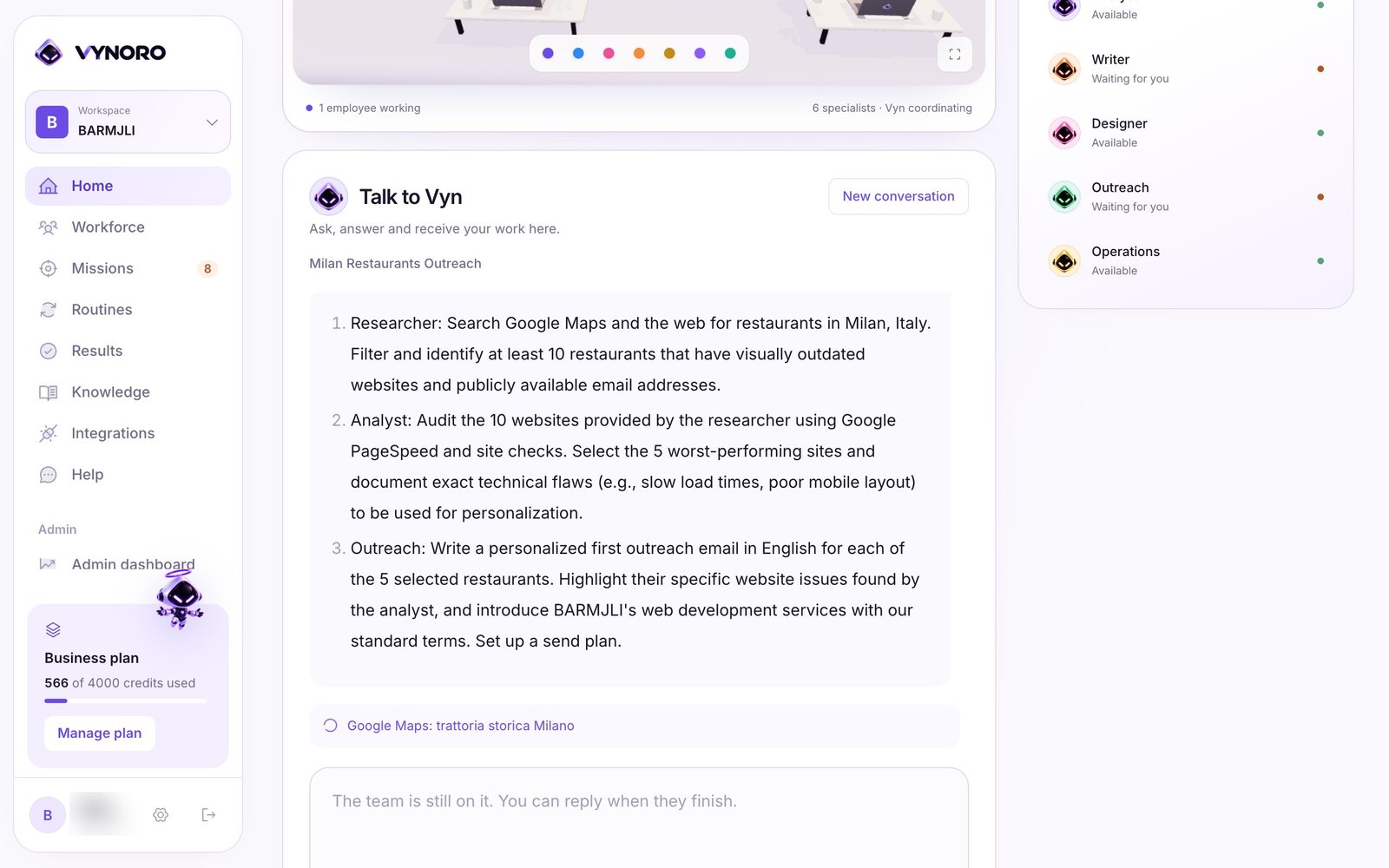
- In VYNORO every AI call is logged with its model, tokens, estimated cost and latency, and each mission starts with a 1 USD budget that pauses until the owner says continue.
- Use the strongest model only where the reasoning matters, a faster one for the routine steps, and no model at all for things plain code can compute.
You added an AI feature. Users like it. Some of them like it a lot.
Then the invoice from OpenAI or Google arrives, and it’s bigger than last month. Revenue went up too, just not as fast. Nobody can tell you which customers caused it, or what next month will look like.
I know this problem from the inside. I run an AI app with more than 28,900 registered users, and real-time voice that costs money every second it’s on. If I hadn’t metered it from the start, the bill would be running the business, not me.
This post is for owners and founders who have an AI feature in their product, or are about to add one, and want the cost to be something they can predict.
Why does an AI feature get expensive so fast?
Because every AI call has a price, and the user decides how many calls happen. A normal web page costs you almost nothing per visit. An AI answer, a voice minute or an image analysis costs real money each time.
That alone is fine. The trouble starts with a few habits I keep finding in AI features:
- The limit lives in the app. The button hides after ten uses, but the server would happily answer the eleventh. Anyone who calls the server directly has no limit.
- Usage is counted after the call. The money is already spent when you find out the account was over its quota.
- Free trials are easy to farm. A new email address gives a new trial, so one person can use the “free” feature forever.
- Nobody logs cost per call. You see one total on the invoice, with no way to know which feature, plan or customer caused it.
- One model for everything. The most expensive model writes a one-line suggestion that a cheaper one would write just as well.
None of these is a bug you’d notice in a demo. They show up on the invoice, a few weeks after launch.
What is AI cost metering?
AI cost metering is counting and limiting what each account may spend on AI before the model is called, and recording what each call actually cost. It’s the same idea as an electricity meter, with one difference: the meter has to say no before the power flows, not send a bill afterwards.
In practice it comes down to four rules:
The server decides whether this account may use this feature right now. The app only shows the answer.
Which model, how many tokens, how much, how long. Without this you’re guessing.
A job or a session has a ceiling. At the ceiling it pauses and asks, instead of spending quietly.
The fourth rule is choosing the right model for each job, which I come back to below.
How I metered Spirex: coins are the rate limiter
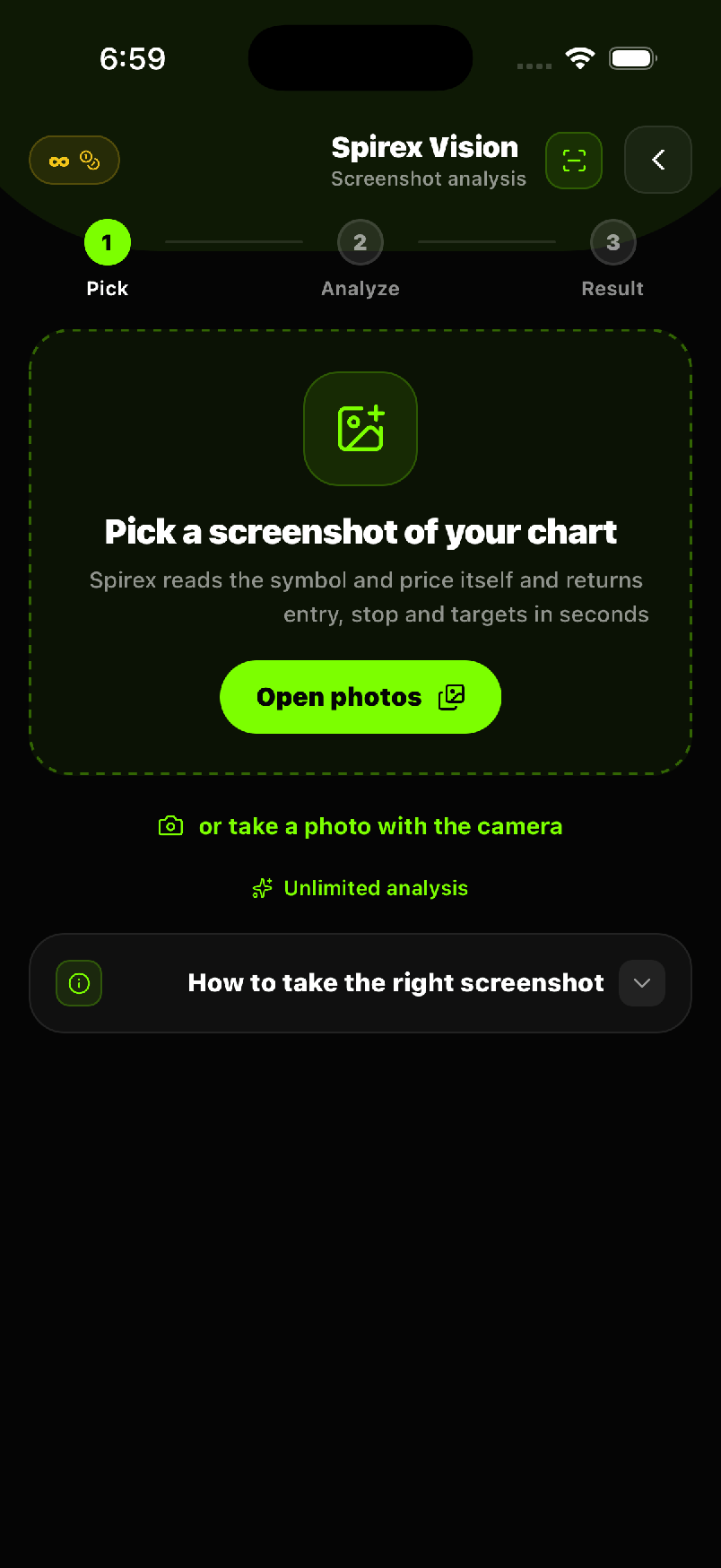
Spirex is my own app: an Arabic-first AI trading analyst, live on Google Play, with more than 28,900 registered users. It runs three expensive things on demand: GPT-4o trade analyses, GPT-4o vision that reads chart screenshots, and a real-time voice call with an AI analyst.
Each of those has a per-call cost that a motivated user would happily multiply by a thousand. So the coin economy isn’t only how Spirex makes money. It’s the rate limiter.
- Deducted before the call. Usage is metered on the server and deducted before the model is called, so an expensive feature can’t outrun what the account paid for.
- Two coins, two jobs. Silver coins pay for regular analyses. Gold coins gate the premium features and are unlimited from the PRO tier up.
- Fair when it breaks. If an analysis fails for a technical reason, the coin is refunded automatically.
- Limits per tier, on both sides. Hourly analysis limits, daily chat limits and per-message character caps are enforced on the client and on the server.
- Only the server grants. Entitlements are written on the server only. Nothing in the app can grant itself a tier.
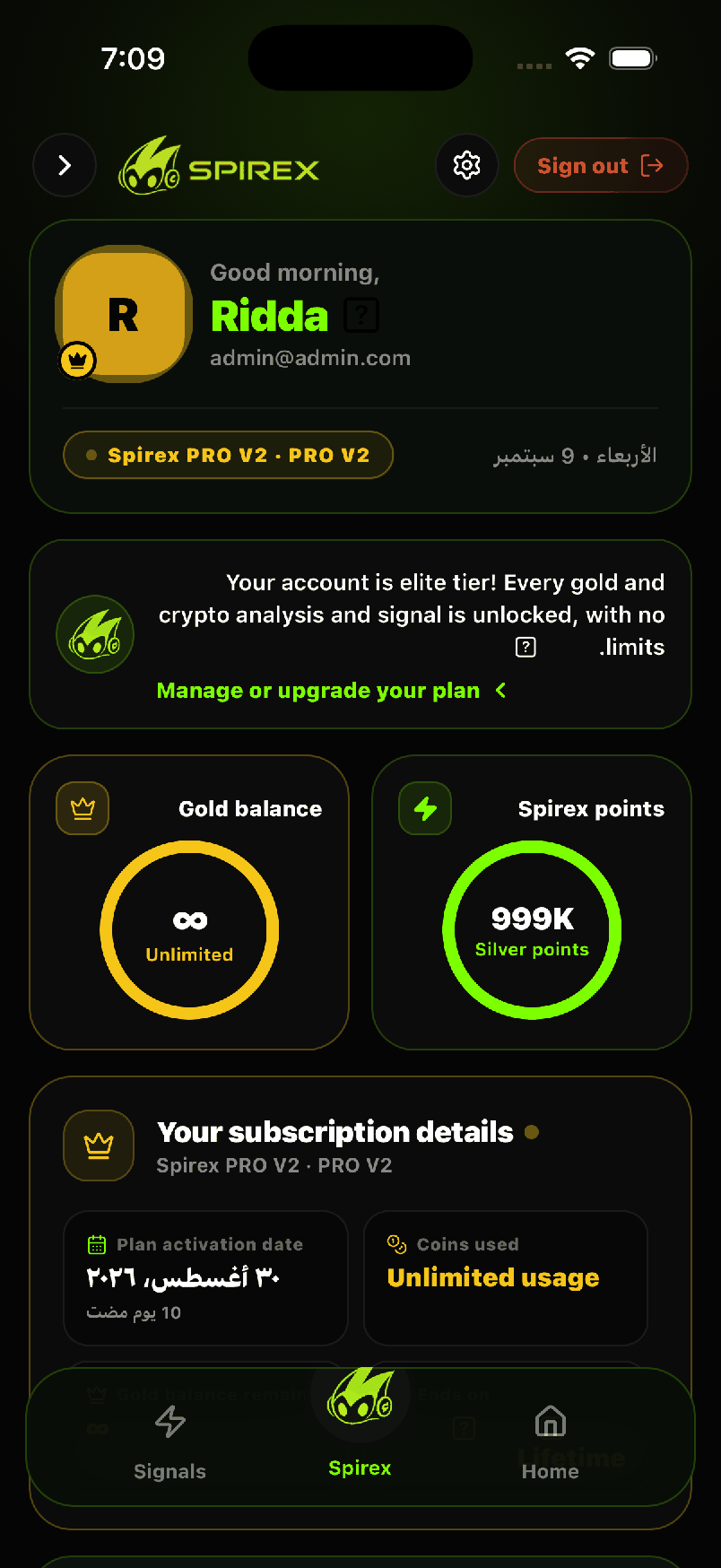
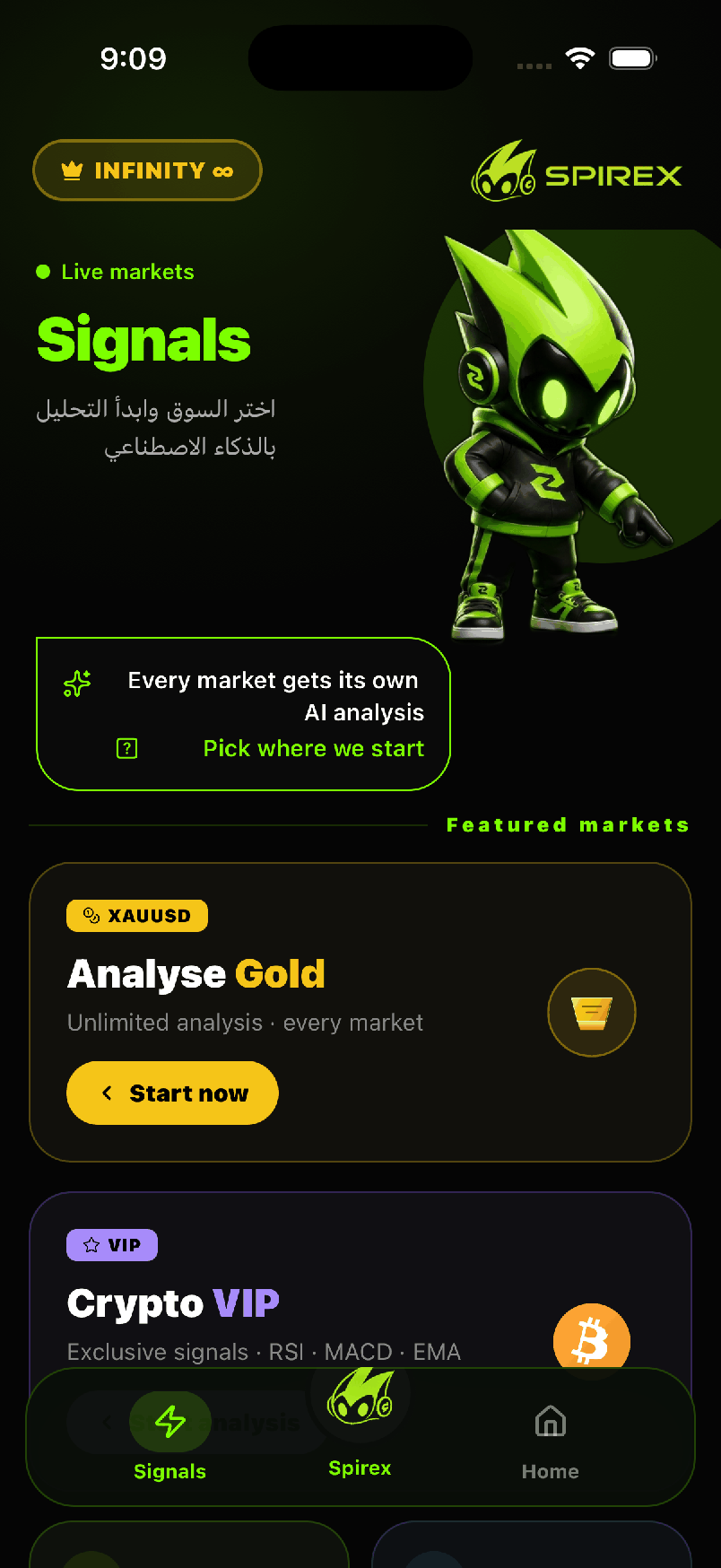
One detail I like: the character cap applies to every message in the chat history, not just the new one. That also blocks a quiet trick, where someone sends a fake, very long history to make each call cost more.
Another one: not everything needs the model. The market mood gauge on the home screen is computed from live prices without spending an analysis credit. The indicators are computed on the server too, so the model receives facts, not raw candles.
The expensive one: real-time voice
Real-time voice costs about $0.126 per minute in Spirex, and the free trial was trivially farmable with new accounts. Voice is where metering stops being optional.
Here’s what the server does:
- One trial per person, not per account.The trial ledger is keyed on the device id and the email together, so a new email on the same phone doesn’t reset it.
- The server checks, then opens the line.Entitlement is decided on the server from the real subscription state, never from what the app claims. Only then does it create a short-lived OpenAI Realtime key for that call.
- Every session has a budget in seconds.The server sets a hard limit in seconds for each call and returns it to the app.
- Heartbeats every 30 seconds.Usage is reported while the call runs, so force-quitting the app doesn’t dodge the meter.
Text chat follows the same idea with a cheaper lever: it’s routed to GPT-4o or GPT-4o-mini depending on the subscription tier, with daily message limits.
Meter the AI, or the AI meters you.
How VYNORO puts a price tag on every call
VYNORO, my AI team for small agencies, has a different risk. Agents that loop with tools can burn money quietly, and a small agency needs a cost it can predict.
- Every call is logged. Each Gemini call is recorded with the model, the tokens, the estimated cost and the latency.
- Every mission has a budget. A mission starts with a 1 USD budget. At the limit it pauses until the owner says continue.
- Plan limits on the server. Plans and credits are checked on the server before a mission starts, not only in the interface.
- Quick questions stay cheap. A question or one short text is answered directly, without starting a mission.
- Code checks before AI review. Invented emails and unsupported numbers are caught by plain code and sent back for one rewrite, without an AI call to find them.
I wrote more about how it’s built in building VYNORO alone.
Which AI model should do which job?
Use the strongest model only where the reasoning matters, and a faster, cheaper one everywhere else. In VYNORO the model for each tier is chosen in one file: Pro for Vyn’s planning and reviews, Flash for the specialists, Flash-Lite as the fast fallback, each with retries and timeouts. In Spirex, small suggestions run on GPT-4o-mini.
A simple way to decide:
| The job | What I use | Why |
|---|---|---|
| Planning, reviewing, final answers people act on | The strongest model | A wrong answer here costs more than the tokens |
| Routine steps: summaries, drafts, extraction | A fast mid-tier model | Good enough, much cheaper per call |
| Short suggestions, labels, fallbacks | The smallest model | Speed matters more than depth |
| Maths, counts, checks, indicators | No model: plain code | Exact, instant and free |
The last row saves the most. For example, Spirex computes its technical indicators in code and only asks the model to reason about the result.
What does metering cost you?
It adds work and a little friction. I think it’s worth it, but here are the honest trade-offs from my own code:
- Limits can hit the wrong people. Spirex has sixteen subscription ids from different versions. A naive tier check once gave 58 paying PRO users a zero cap. Now one mapping layer decides the tier, but the tier lists still live in the app and on the server and must be kept in sync by hand.
- Estimates aren’t invoices. VYNORO estimates cost from token counts. It tracks the provider’s bill closely, but it isn’t the bill.
- Anti-abuse has gaps. On iOS the device id changes after a full uninstall. I accepted that, and the email half of the trial ledger covers it.
- Budgets interrupt. A paused mission waits for the owner. That’s the point, but it is a click someone has to make.
A checklist you can use this week
Ask your developer, or check yourself, whether your AI feature does these:
- AI calls go through your server. The AI key stays there, never in the app, so the checks below can’t be skipped.
- Usage is checked before the call. The server refuses, not just the button.
- Usage is deducted before the call, and refunded if the call fails for a technical reason.
- Every call is logged with model, tokens, cost and the account that made it.
- Long jobs and sessions have a budget that pauses or stops at the limit.
- Free trials are tied to more than an email.
- Each step uses the cheapest model that does it well, and plain code does the maths.
- Plan limits live on the server, so an old app version or a direct request gets the same answer.
If your app was built quickly with an AI builder, the first point is often the one that fails. I covered that and similar problems in fixing AI-built apps for production. Plan limits are the same problem in another shape, which I wrote about in plans, roles and limits. And credits only work if the payment that grants them is checked on the server, as in payment received, access missing.
What to do next
If your AI bill is growing and you can’t say why, start with the log. One week of cost per call, per feature and per account usually shows where the money goes. Then add the server check and the budget where it hurts most.
Adding AI to an existing product with usage limits, so the cost stays predictable, is one of the services I offer. You can see the full engineering behind it in the Spirex case study and the VYNORO case study. If you want me to look at your setup, tell me what you’ve built and which feature worries you.
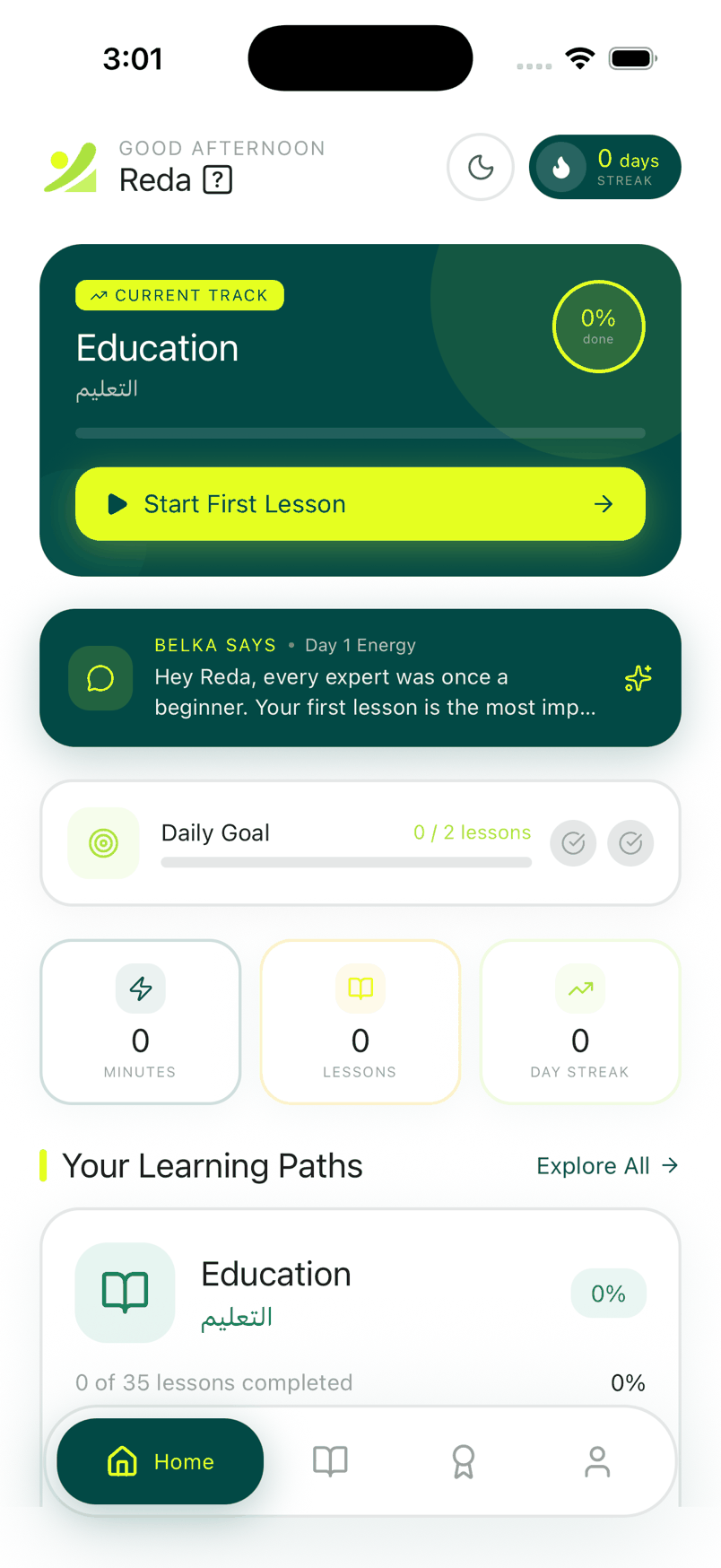
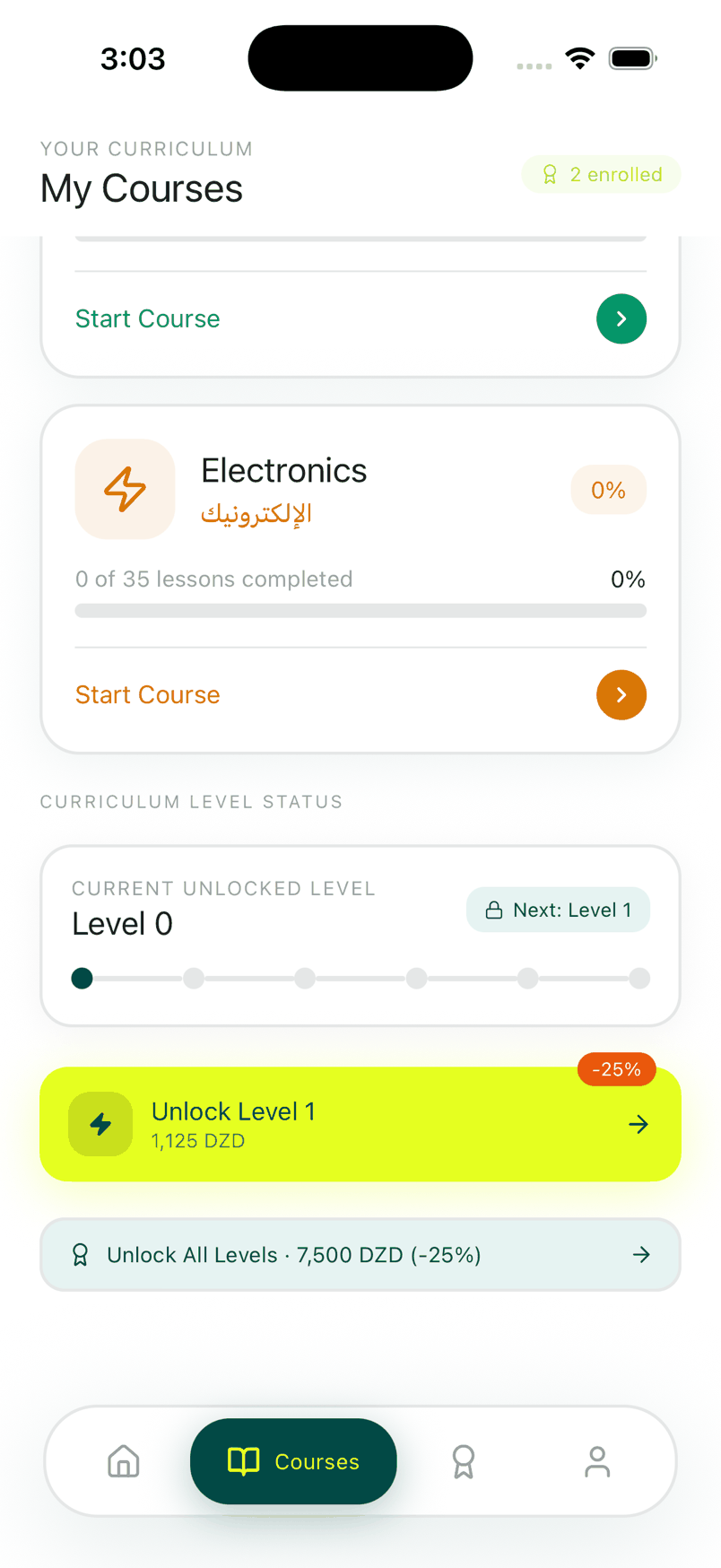
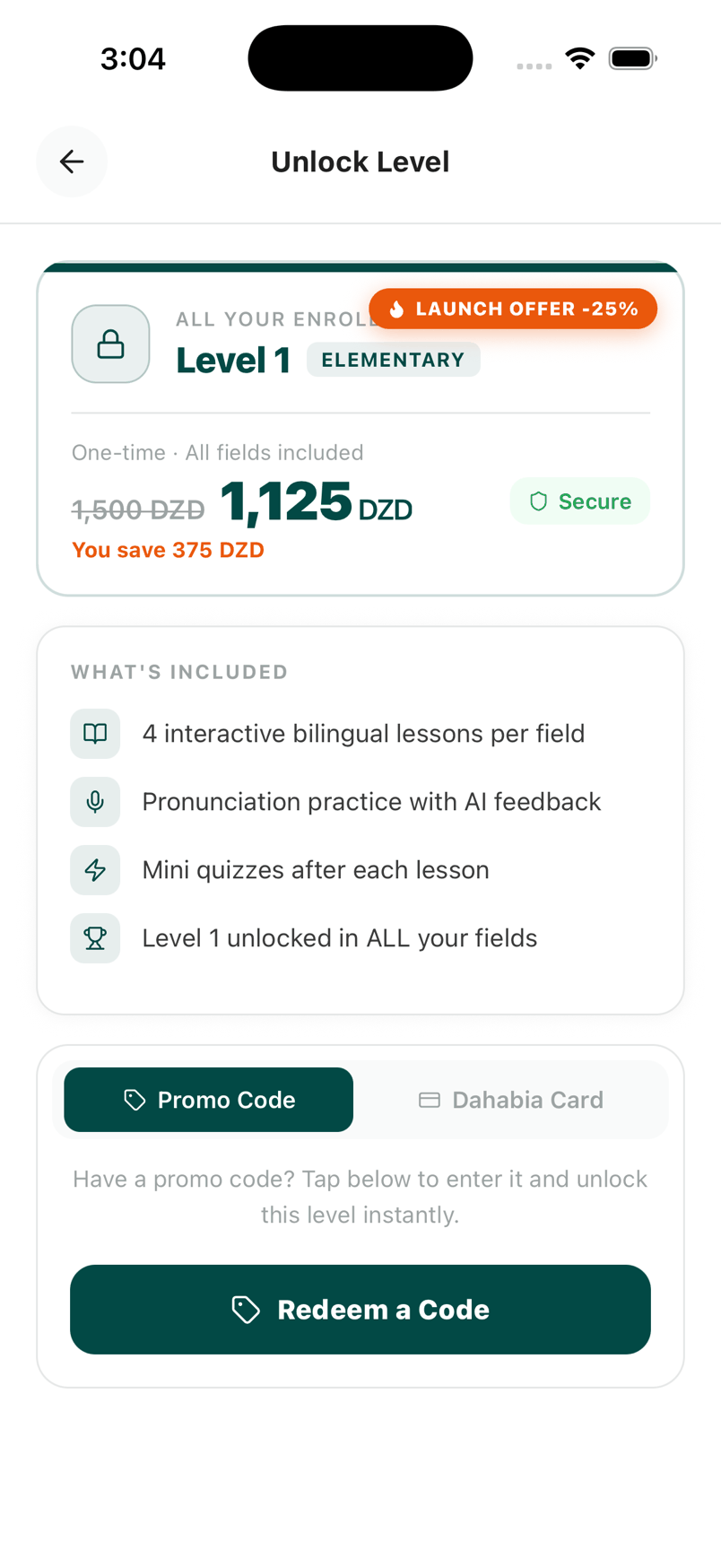
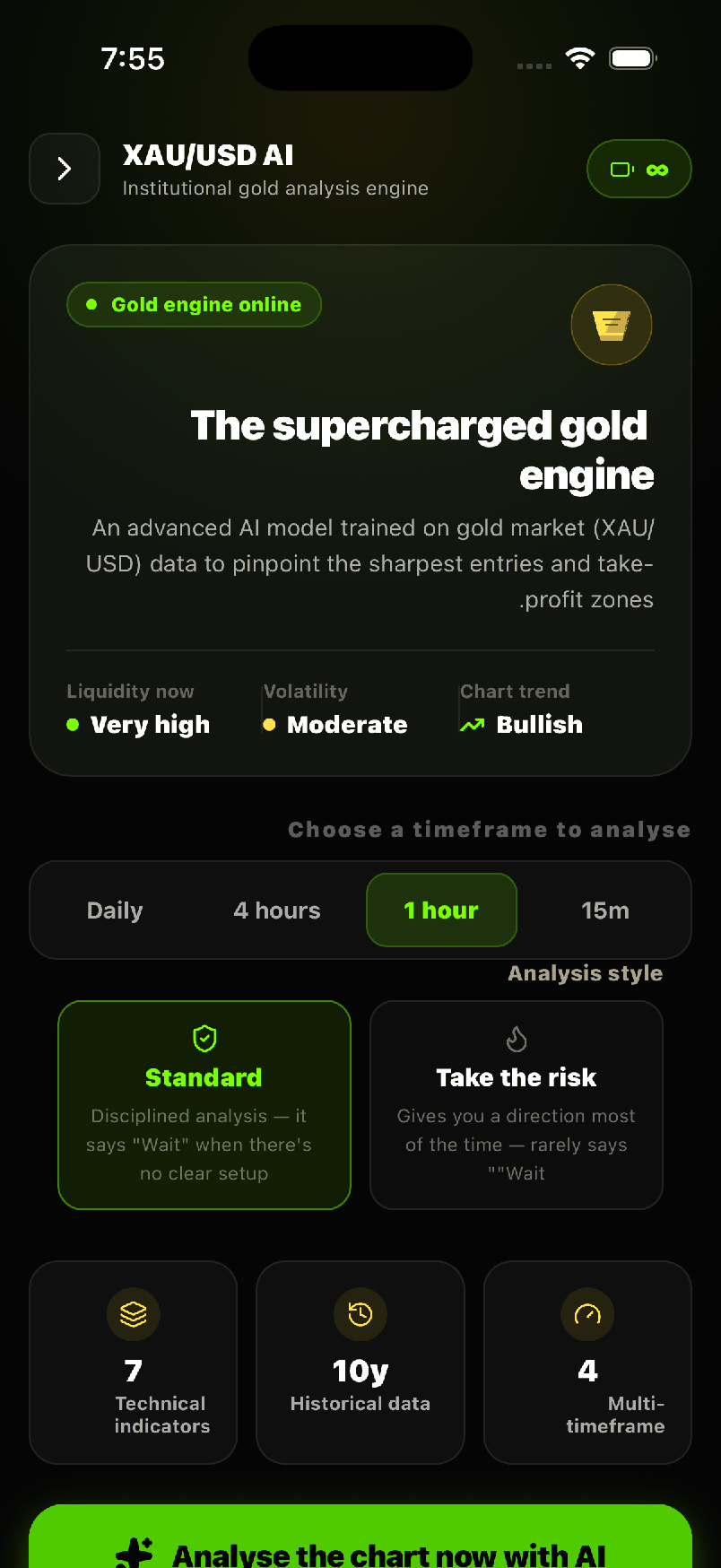
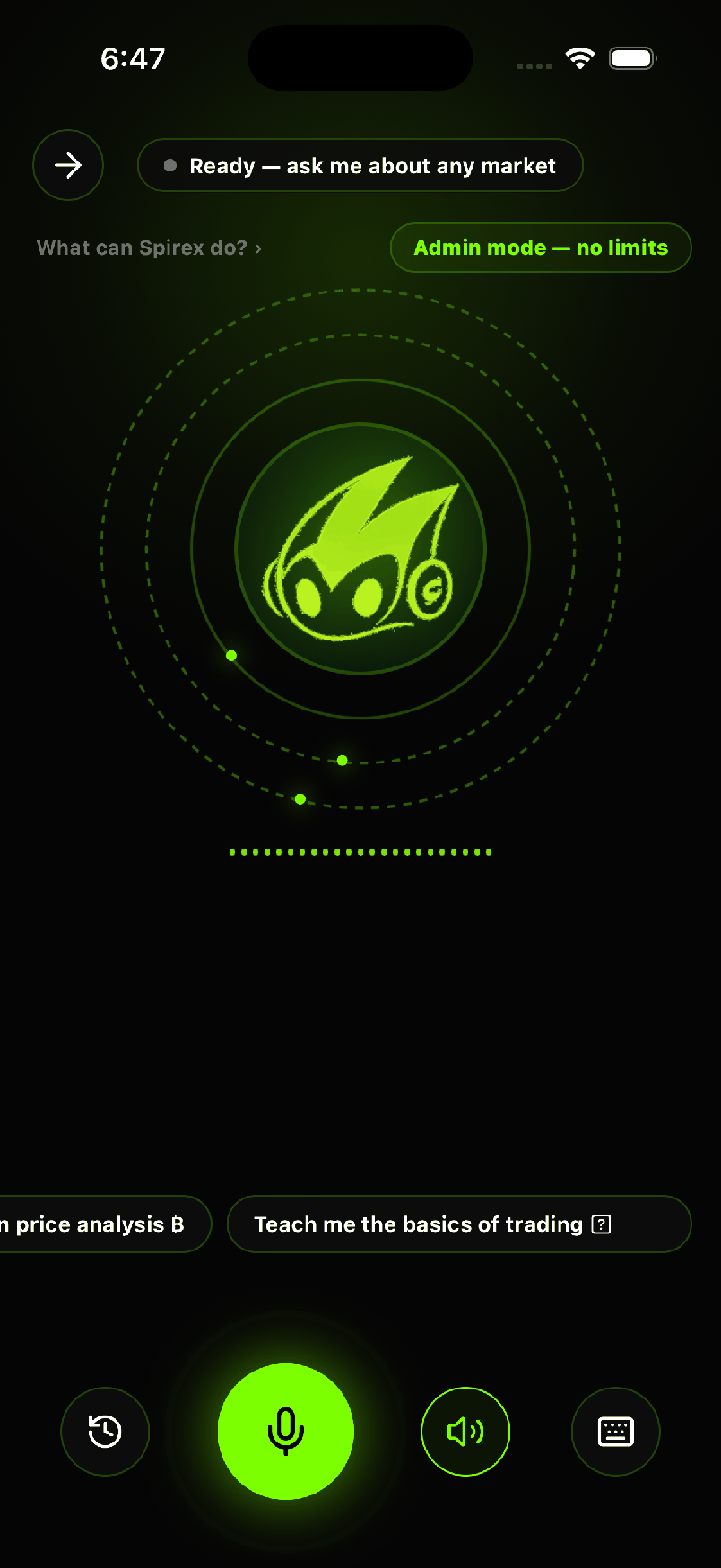
About the screenshots: the phone screens come from Spirex, my own app on Google Play. The VYNORO screen comes from my workspace for my agency, Barmjli, running a real mission on public data.
Questions people ask
Why is my OpenAI or Gemini bill growing faster than my revenue?
What is AI cost metering?
Do I need credits or coins to control AI costs?
Should I use the cheapest AI model to save money?
Can you add cost limits to an AI feature that is already live?
I build AI agents, web apps and mobile apps for businesses, and I run my own agency, Barmjli. I write here about what I build and what it taught me.